When wildlife moves, it happens in a blink. In this article, award‑winning wildlife photographer and Sony Artisan Melissa Groo breaks down how she uses Sony’s Pre‑Capture (currently available on the Alpha 7 V, Alpha 9 III, and Alpha 1 II) to reliably catch decisive moments. She shares practical setup advice, the AF and drive settings that matter, how to time behavior, and the fieldcraft that keeps you ethical and effective. Whether you’re photographing birds, mammals, or quick, unpredictable action, Groo’s approach will help you come home with sharp frames and a clear plan for the next outing.
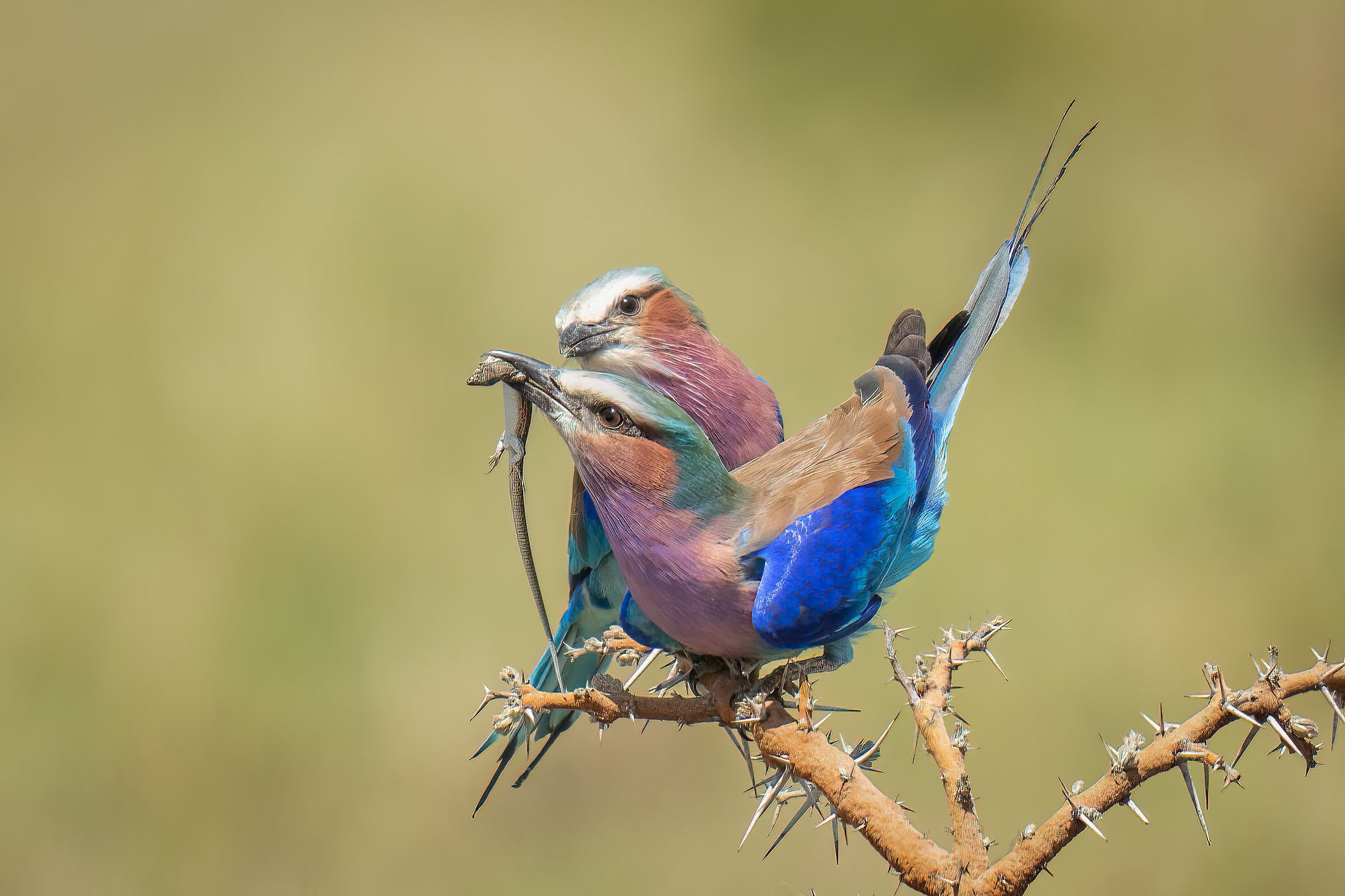
Photo by Melissa Groo. Alpha 1 II. 400mm f/2.8 G Master + 2x TC. 1/2000-sec., f/5.6, ISO 800
Pre-Capture: A Revolution
Wildlife photography is challenging. It’s full of unexpected moments that we simply have no control over, and have no way of anticipating. We can’t communicate with our subjects, or pose them like portrait photographers do. We can’t anticipate a hoop shot like a sports photographer, or prepare for the first married kiss like a wedding photographer. It can often feel super challenging to come up with even one great shot from a session in the field!
That’s why the Pre-Capture ability feels like a revolution. Pre-Capture, a camera setting now offered by several Sony bodies (Alpha 7 V, Alpha 9 III, Alpha 1 II), allows the camera to buffer images before the shutter is fully pressed. It does not save them to the memory card until you fully press the shutter, at which point it seizes the images from up to a full second prior. This allows you to now capture moments that happen unexpectedly or too fast for our response time. It's a particularly useful, exciting tool for wildlife photography, especially when capturing elusive or fast-moving animals.
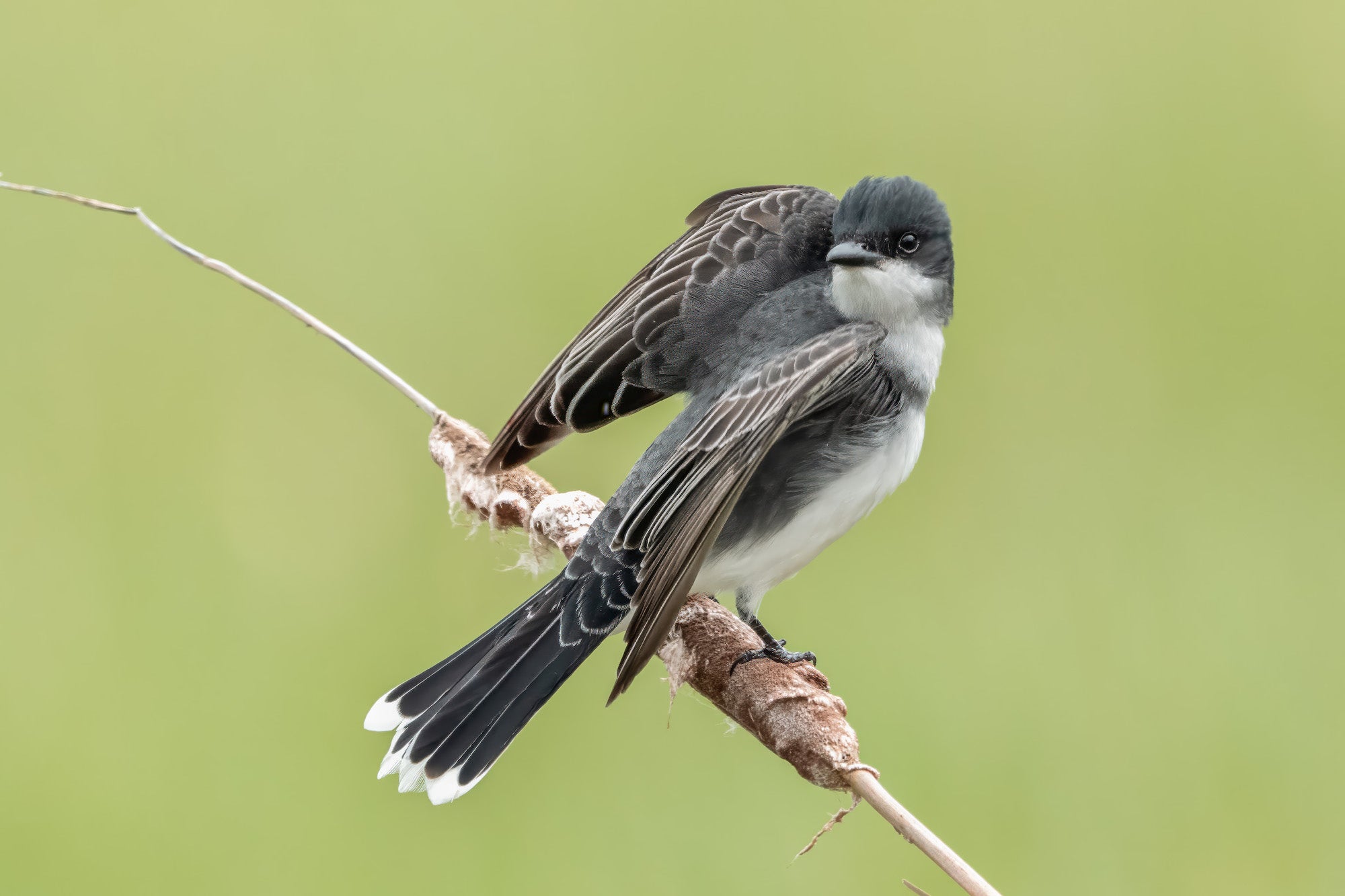
Photo by Melissa Groo. Alpha 1 II. 600mm f/4 G Master. 1/6400-sec., f/4.5, ISO 2500
The extra images captured can mean a plethora of pictures to wade through, and we all know what that means: valuable time. So it’s a good idea to only engage Pre-Capture when you need it.
When To Utilize Your Alpha Camera’s Pre-Capture Feature
So what are prime examples of moments when we could really benefit from it?
The most obvious use would be take-off shots of birds, from hummingbirds to hawks. With pre-capture, now you can even get the moment when a bird’s wings are beginning to unfurl in readiness for flight – something that in the past has happened too fast for our brains and fingers to capture!
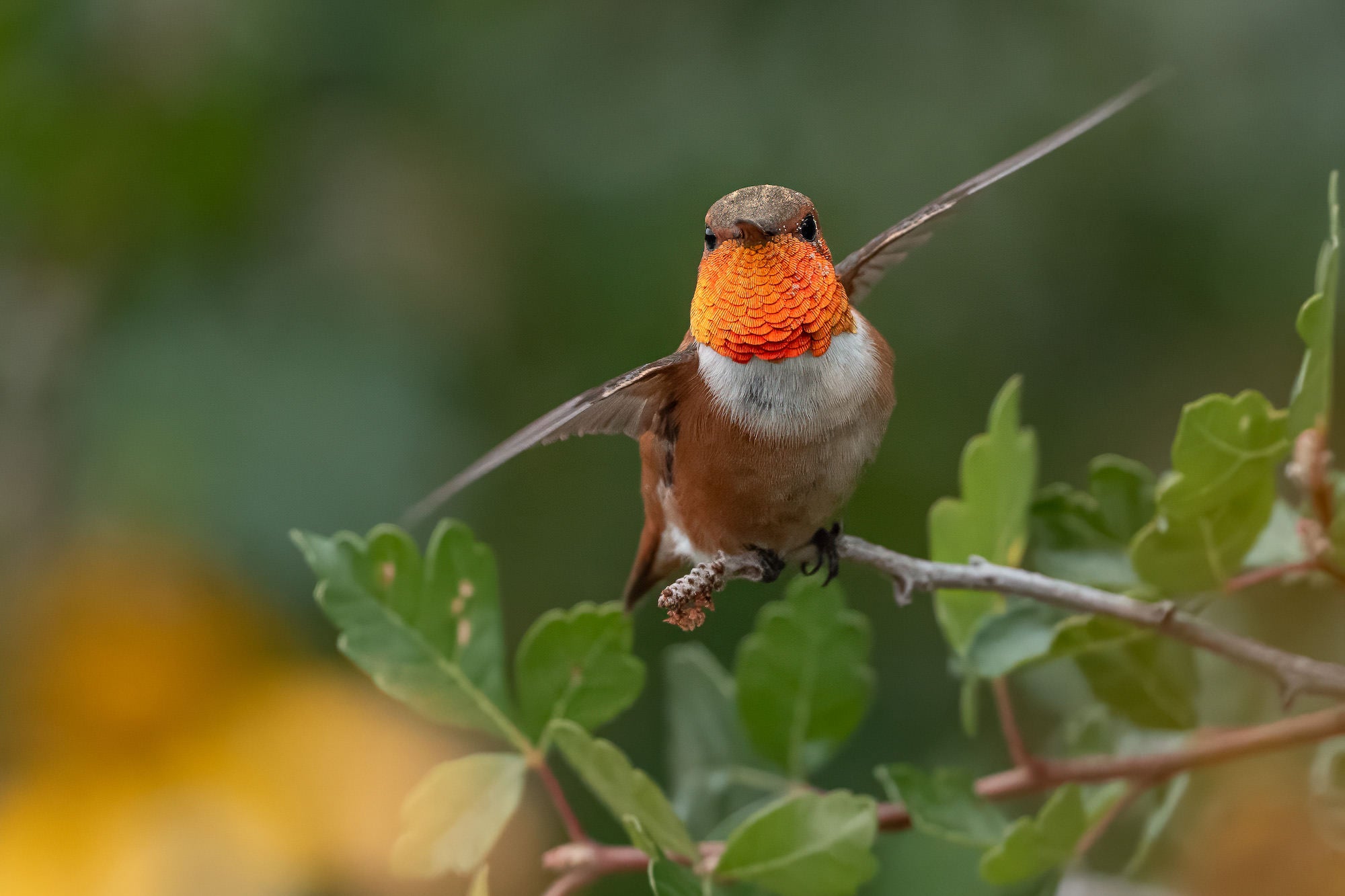
Photo by Melissa Groo. Alpha 1 II. 300mm f/2.8 G Master + 1.4x TC. 1/4000-sec., f/4, ISO 3200
Birds and other animals pouncing on prey provides another ideal occasion for pre-capture. Success for predators often relies on the element of surprise, so strikes on prey may happen both unexpectedly and lightning fast. This is true for coyotes, bobcats, foxes, owls – to name just a few.
Other possible situations in which a wildlife photographer might consider pre-capture include:
- Dolphin or porpoise briefly cresting the surface
- Whale breaching
- Snake flicking her tongue
- Bird coming in for a landing near or at a feeder
- Leopard or lion leaping from a tree
- Owl emerging from or returning to a nest
- Fox emerging from or returning to a den
- Bee-eater or kingfisher returning to his favorite perch
- Waterbird surfacing with his catch after diving
- Monkey or squirrel leaping from one tree to another
- The perfect flash of iridescence on a hummingbird’s throat
- Fleeting facial expressions such as snarls, yawns, grimaces
- Animal throwing food in the air (e.g., fox, egret, lilac-breasted roller)
- Flash of lightning with wildlife in the frame
How To Set Pre-Capture On Your Alpha Camera
You can set the amount of time that the pre-capture covers, from .1 second up to a full second. You may want to opt for a shorter period of time if you want fewer photos to wade through or if you’re trying to avoid taxing the buffer too much. Of course you’ll want to consider how many frames per second you’re shooting. The higher your fps, the more pictures you’ll take with that pre-capture enabled, and the faster your buffer will fill.
You also want to think about how quickly your subject typically moves. This is sometimes directly in proportion to the size of the animal. For example, with larger birds like great blue herons that don’t move or fly very fast (unless they are striking prey!), you could get away with the .3 or .5 second precapture setting. With a warbler, you will likely want the full second. Finally, consider your reaction time. If you feel you’re able to press the shutter very swiftly, you could keep pre-capture time on the shorter side.
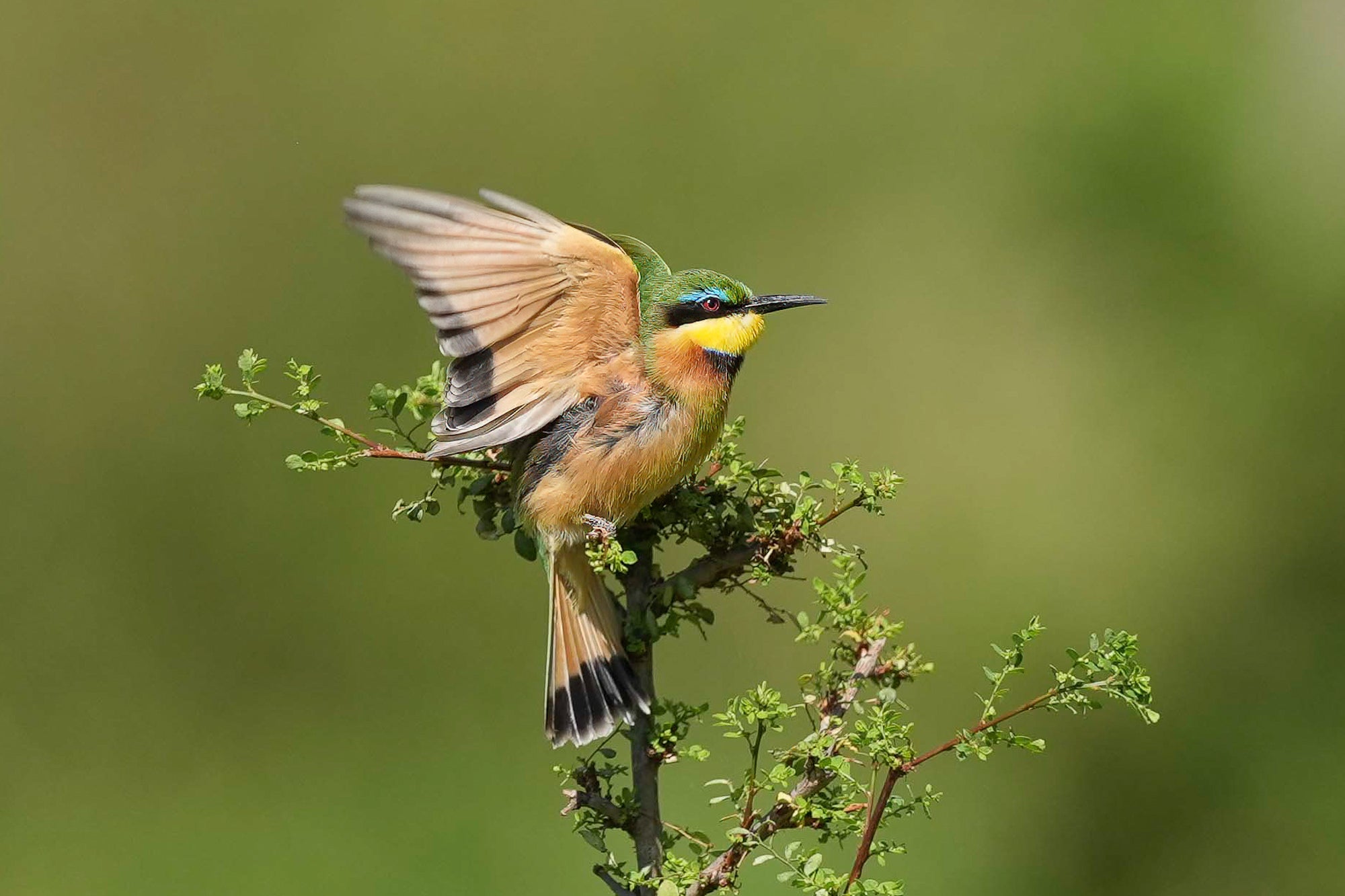
Photo by Melissa Groo.
Finally, pre-capture is simply great fun. It’s like a constant surprise when you look at your pictures and see that you’ve captured something you almost couldn’t even register with your eye when it was happening.
See more of Melissa Groo’s work on her Alpha Universe Profile and on Instagram @melissagroo.
Pre-Capture Settings On Your Alpha Camera
Note: Pre-Capture can only be used when the drive mode is set to [Cont. Shooting].
MENU → (Shooting) → [Drive Mode] → [Pre-Capture Settings] → desired setting item.
Menu item details:
Pre-Capture:
Sets whether to use the pre-capture function. ([On]/[Off])
Pre-Capture Rec Time:
Sets the number of seconds to go back when using the pre-capture function. ([0.03 seconds] – [1.0 second])
Pre-Captr. Start Trigger:
Sets the button to execute the pre-capture function. ([Shutter Half Press]/[AF Assign Btn]/[Both Valid])
When [AF Assign Btn] or [Both Valid] is set, the pre-capture function can be executed by pressing the key to which the AF On function has been assigned using [Custom Key/Dial Set.].
If [AF w/ Shutter] is set to [On], pre-capturing will be performed by pressing the shutter button halfway regardless of the setting for [Pre-Captr. Start Trigger]. If you do not want to execute pre-capturing with the shutter button, set as follows.
- MENU → (Focus) → [AF/MF] → [AF w/ Shutter] → [Off].
- Set [Pre-Captr. Start Trigger] to [AF Assign Btn].
Explore the current Alpha cameras with Pre-Capture:
–Alpha 7 V
–Alpha 9 III
–Alpha 1 II