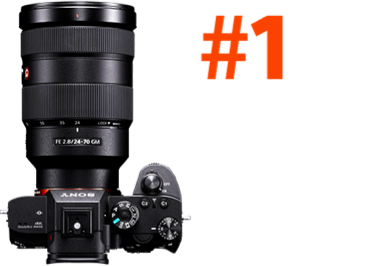
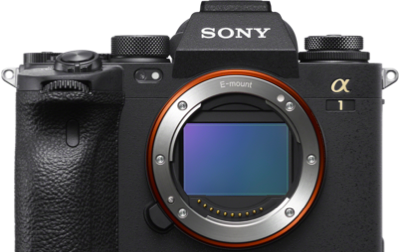
The Sony Alpha 7R VI is unlike anything that has come before it in the Alpha 7R lineup. With a groundbreaking 66.8-megapixel fully stacked Exmor RS CMOS sensor, blackout-free continuous shooting at up to 30 fps, crop-free 8K 30p and 4K 120p video, and a next-generation BIONZ XR2 processor with a dedicated AI deep learning unit, the Alpha 7R VI obliterates the traditional trade-off between resolution and speed.
More and more Sony shooters are getting their hands on the new Alpha 7R VI, and Sony Artisan and wildlife photographer Colby Brown has put together two of the most comprehensive guides available for the camera. Get a snapshot of his setup tips below and check out his complete guides for the full picture.
Part 1: The Complete Setup Guide to the Sony Alpha 7R VI
In his first deep-dive, The Complete Setup Guide to the Sony Alpha 7R VI, Colby walks through virtually every menu item on the camera – with clear recommendations and the reasoning behind each choice.
Here are some of the highlights:
Start With the Basics
After the initial language and privacy setup, Colby recommends connecting the Creators App immediately. This enables wireless firmware updates and syncs your date/time from your smartphone. He also advises switching Auto Power OFF Temp from Standard to High right away to prevent the camera from throttling during long shooting sessions.
Image Quality Settings
Colby recommends shooting Lossless Compressed RAW – and notes this is actually required to hit the camera's maximum 30 fps burst speed. He also suggests switching the Color Space from the default sRGB to Adobe RGB for a noticeably wider color gamut, especially valuable when delivering files for print.
Two settings he strongly recommends turning off: High ISO Noise Reduction and Long Exposure Noise Reduction – both rob you of control in post-processing and can even double your exposure times in the field.
Drive Mode & the RAW Pre-Capture System
One of the Alpha 7R VI's most exciting new features is the RAW Pre-Capture system – the camera can buffer up to 1 second of RAW frames before you press the shutter. Colby breaks down how to configure the Pre-Capture Record Time and the trigger (Shutter button, Back AF button, or both), making it invaluable for capturing peak moments in wildlife and sports photography.
He also covers how to customize your Continuous Shooting Speeds – you can independently assign 5, 10, 15, 20, or 30 FPS to the Lo, Mid, Hi, and Hi+ settings – and map a dedicated button for instant burst speed switching.
Autofocus Setup
The Alpha 7R VI's AI-driven subject recognition is one of its crown jewels. Colby walks through:
- Priority Set in AF-S/AF-C: and why you may need to switch to Release priority to unlock 30 fps
- AF Sensitivity settings: AF Level for Crossing (1–5) and AF Tracking for Speed Change (Stable/Standard/Responsive): explaining when to favor stickiness vs. responsiveness
- Subject Recognition modes: Human, Animal/Bird, Bird, Insect, Car/Train, Airplane: with Detail Settings to fine-tune Tracking Shift Range and Recognition Sensitivity
- AF Area Registration: how to save a specific focus point and recall it instantly via a custom button
Exposure, Metering & Zebras
Colby recommends setting Spot Metering Point to Focus Point Link so the spot meter follows your active AF box – a small change with a big impact for wildlife and portrait shooters. He also advises setting your Zebra Display lower limit to 107+ to catch highlight clipping before it happens.
Video Mode Essentials
The article also covers the camera's deep video capabilities: XAVC HS 8K (H.265), XAVC HS 4K, and XAVC S 4K formats; Log shooting with S-Log3; USB Streaming for 4K webcam use; and how Different Set for Still/Mv lets you maintain completely separate exposure settings for stills and video – a workflow game-changer for hybrid shooters.
Read the full setup guide: The Complete Setup Guide To The Sony Alpha 7R VI
Part 2: How To Fully Customize Your Sony Alpha 7R VI
Once you have the menus dialed in, the next step is making the physical camera work the way you shoot. In his second guide, How To Fully Customize Your Sony Alpha 7R VI, Colby covers every customizable button, dial, the Fn Menu, and the My Menu system.
Customizing Your Buttons & Dials
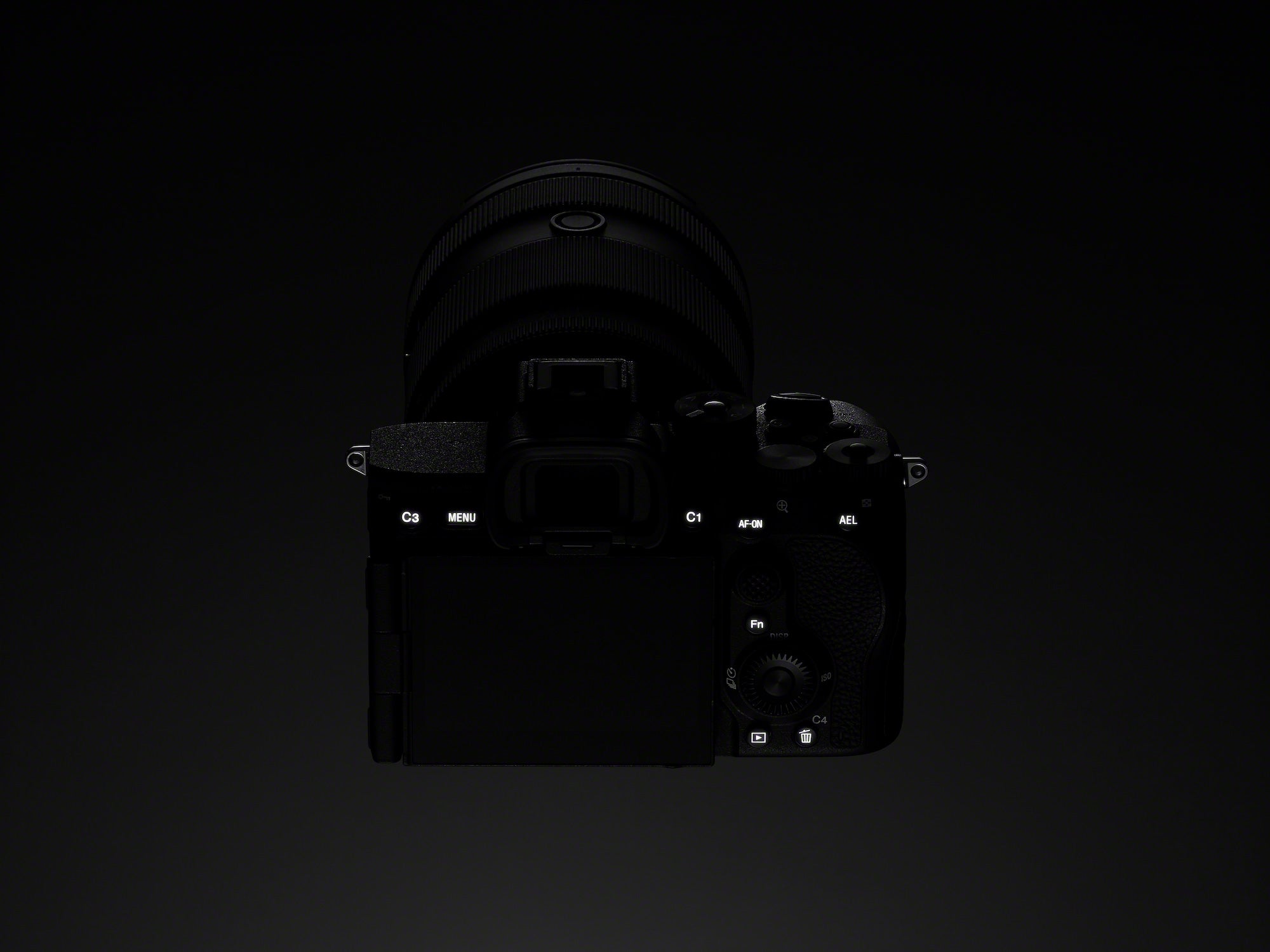
The Alpha 7R VI allows you to independently remap up to 17 buttons and dials – and you can configure them separately for Photo mode, Video mode, and Playback mode. Here's how Colby sets up his key controls:
Rear buttons:
- AEL Hold - locks exposure in Priority modes without changing other settings
- AF On - back-button autofocus (the default, and the right call)
- Movie Shooting - moved to C1 to match the α1 II and α9 III body layout for shooters who own multiple Sony bodies
- Switch Silent Mode - critical for quickly dropping into Mechanical Shutter when shooting under LED lights
- Touch Operation Select - quickly toggles Touch Support on the rear LCD on/off
Rear control wheel:
- Center button → Recog. Target Select - cycles through AI subject detection modes (Human, Animal/Bird, Bird, Insect) on the fly
- Right/Left buttons → Switch Right/Left Eye - instantly toggles which eye the camera is locking onto
- Down button → White Balance - allows real-time WB tuning while watching the LCD
Top buttons:
Pre-Capture toggle - turn RAW Pre-Capture on/off instantly depending on the shooting situation
Focus Area - jump between Zone, Flexible Spot, and Wide Tracking without diving into menus
Pro tip from Colby: Limit your autofocus area options in the menu to only the 5–6 you actually use, so you're never cycling through factory defaults in the field.
Rear control wheel → ISO: Colby maps the rear wheel directly to ISO for immediate adjustments. Once muscle memory sets in, accidental shifts become rare — and the speed gain is significant.
Playback Customization
Colby turns his Playback mode into a proper culling station in the field:
- Image Index - opens the thumbnail grid view instantly
- Enlarge Image - first press zooms past 100% for critical focus checks
- Focus Frame Display - shows exactly where the camera focused during review
- Rating (Star Ratings) - embeds 1–5 star ratings directly into metadata, readable in Lightroom and Bridge
- Protect - prevents accidental deletion during field review
His wildlife burst culling workflow: Enable Display as Group, scroll through a burst stack, Protect the keepers, then delete the entire remaining group in one action.
Setting Up the Fn Menu
The Alpha 7R VI's Fn Menu holds up to 12 quick-access settings - and you can configure completely independent layouts for Photo and Video, giving you 24 total slots.
Colby's Photo Fn Menu top picks:
- Image Quality Settings (quickly swap RAW type)
- Rec. Media Settings (manage dual-card routing)
- Recognition Target (swap AI tracking subjects on the fly)
- Pre-Capture toggle
- AF Level for Crossing (tracking stickiness)
- ISO Auto Minimum Shutter Speed
- Zebra Display toggle
Colby's Video Fn Menu top picks:
- File Format (8K / 4K / 1080p)
- Record Frame Rate (24p / 30p / 60p / 120p)
- Record Setting (bitrate & color depth - up to 10-bit 4:2:2)
- S&Q Frame Rate (slow motion setup)
- Picture Profile (quick access to PP11 / S-Cinetone)
- Select LUT (apply LUTs when shooting S-Log3)
- Focus Map (color depth-of-field overlay for video)
My Menu: Your Personal Shortcut Hub
The My Menu (★ tab) is your fast-access portal to settings buried deep in the camera. Colby organizes his across three pages:
- My Menu 1 (General): Save/Load Settings, Format card, Airplane Mode, Custom Key/Dial Set, Fn Menu Settings
- My Menu 2 (Photo): Pre-Capture Settings, Bracket Settings, Interval Shooting, Pixel Shift Multi Shoot, BULB Timer, ISO Auto Min. Shutter Speed
- My Menu 3 (Video): Log Shooting Settings, Audio Recording, Time-lapse for Video, Framing Stabilizer, Auto Framing Settings
Read the full customization guide: How To Fully Customize Your Sony Alpha 7R VI