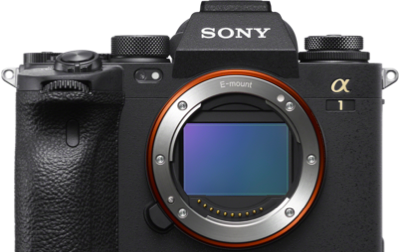
In this article, Sony Artisan Tony Gale explains the setup process for Pixel Shift on your Alpha camera, specifically focusing on the Alpha 7R V. Pixel Shift is a cutting-edge feature that enhances image quality by utilizing the camera's in-body stabilization to capture multiple frames and gather comprehensive color and resolution data. Read below as Gale guides you through each step, from configuring the camera settings to processing the images using Sony's Imaging Edge software.
Using Pixel Shift On Your Alpha Camera
Pixel Shift is a feature first introduced in the Alpha 7R III. With the Alpha 7R III, Pixel Shift uses the in-body image stabilization of the camera to move the sensor between frames to get complete color information at each photo site by combining four images. Then with the Alpha 7R IV, the option was added to do a four-shot Pixel Shift for the color information or sixteen-shot Pixel Shift for the color information plus added resolution. With the Alpha 7R V, Sony added a feature to the Imaging Edge software to correct for any movement in the images as well.
Currently, the Alpha 7R III, Alpha 7R IV, Alpha 7R V, Alpha 7CR, Alpha 1 and Alpha 1 II all offer the Pixel Shift feature. For this we will be going over using Pixel Shift on the Alpha 7R V, but it is very similar on the other cameras as well.
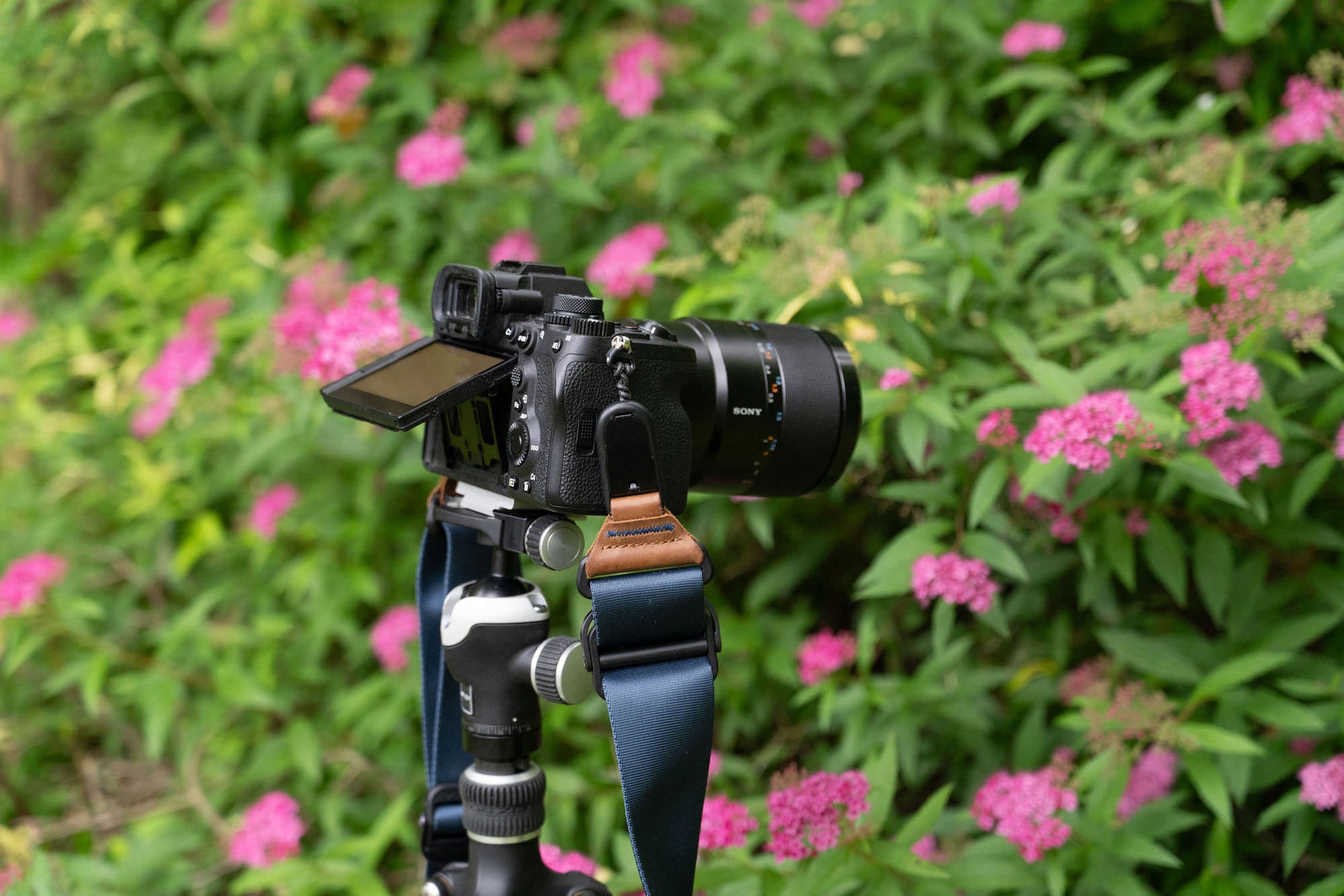
The camera should be on a stable tripod, or some other very stable surface. Typically, the goal is no movement in the camera.
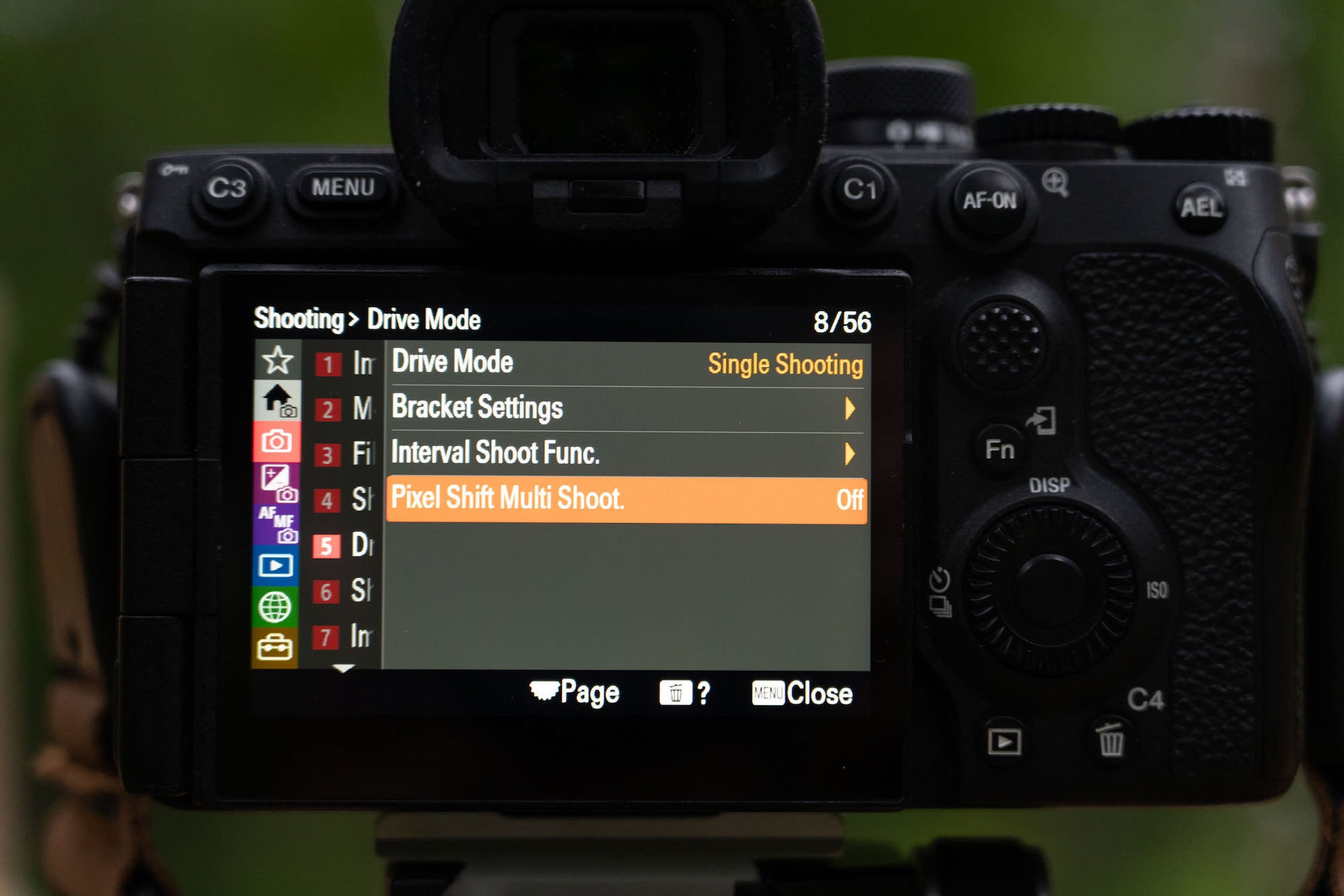
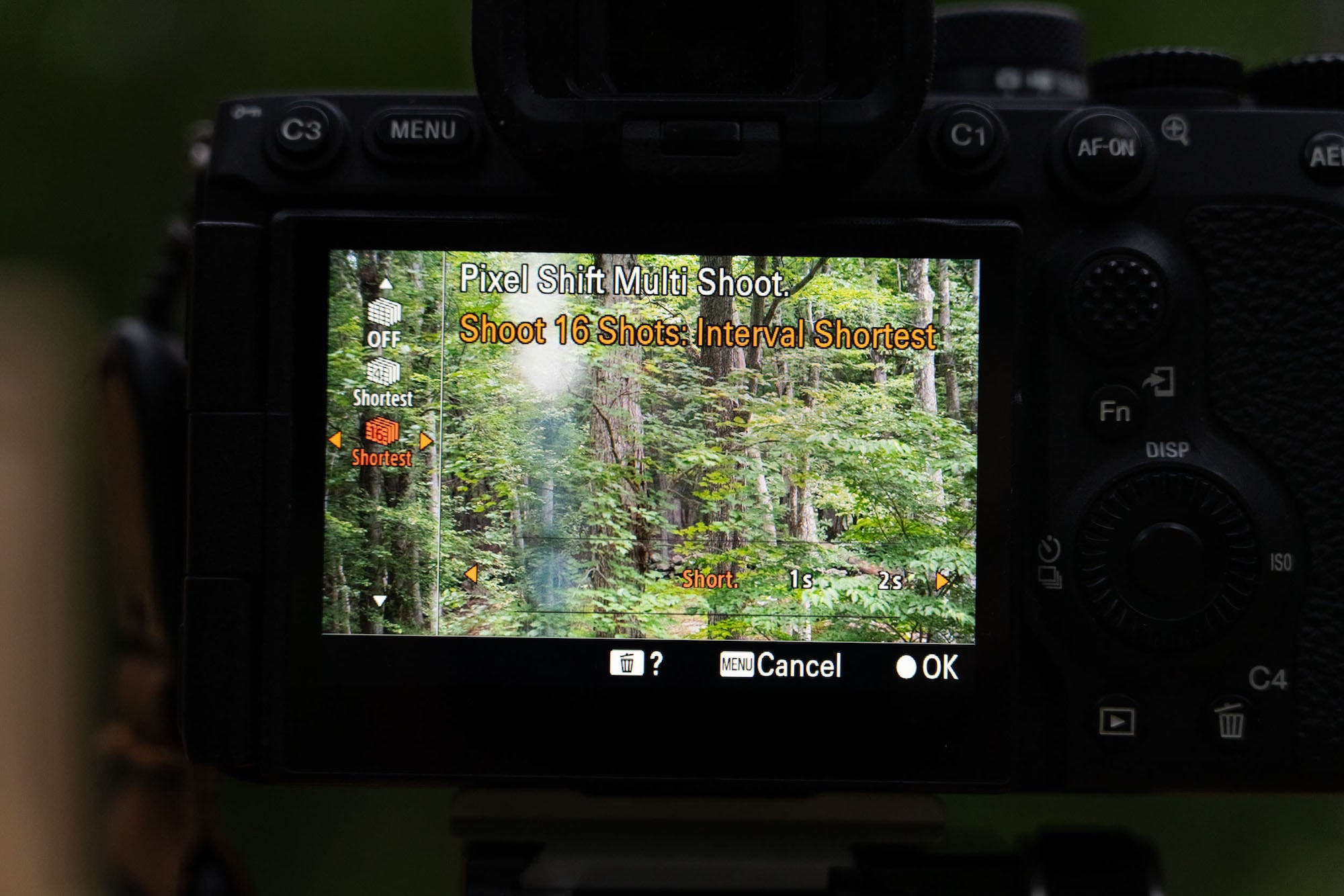
To start, navigate to Pixel Shift in the menu. On the Alpha 7R V, it’s in shooting then drive. It can also be mapped to a custom button:
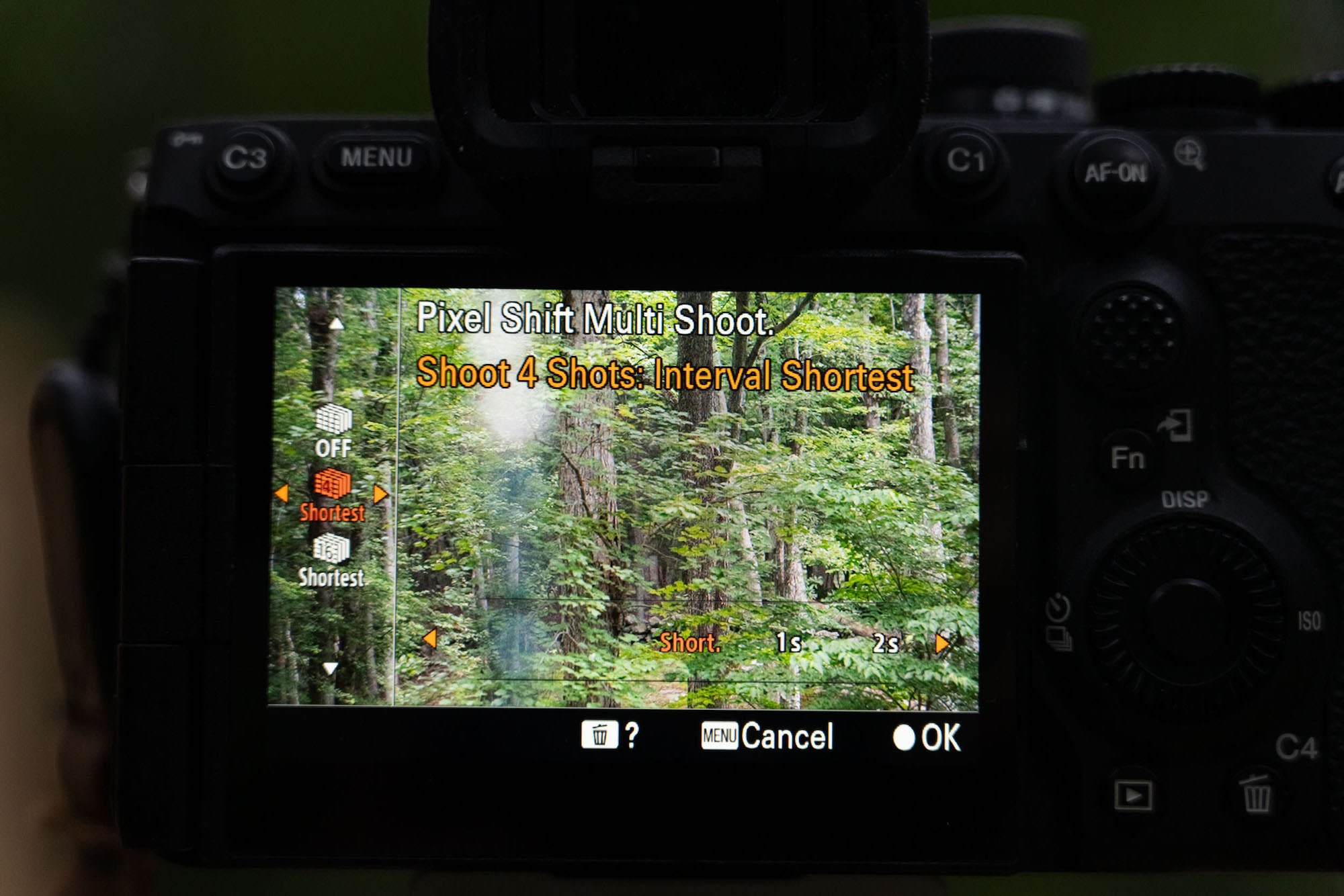
Next decide on a four shot or sixteen shot Pixel Shift as well as the delay between shots. Usually I use “shortest” but there are times when I might use one second (or longer) between. I’ll show an example of why later:
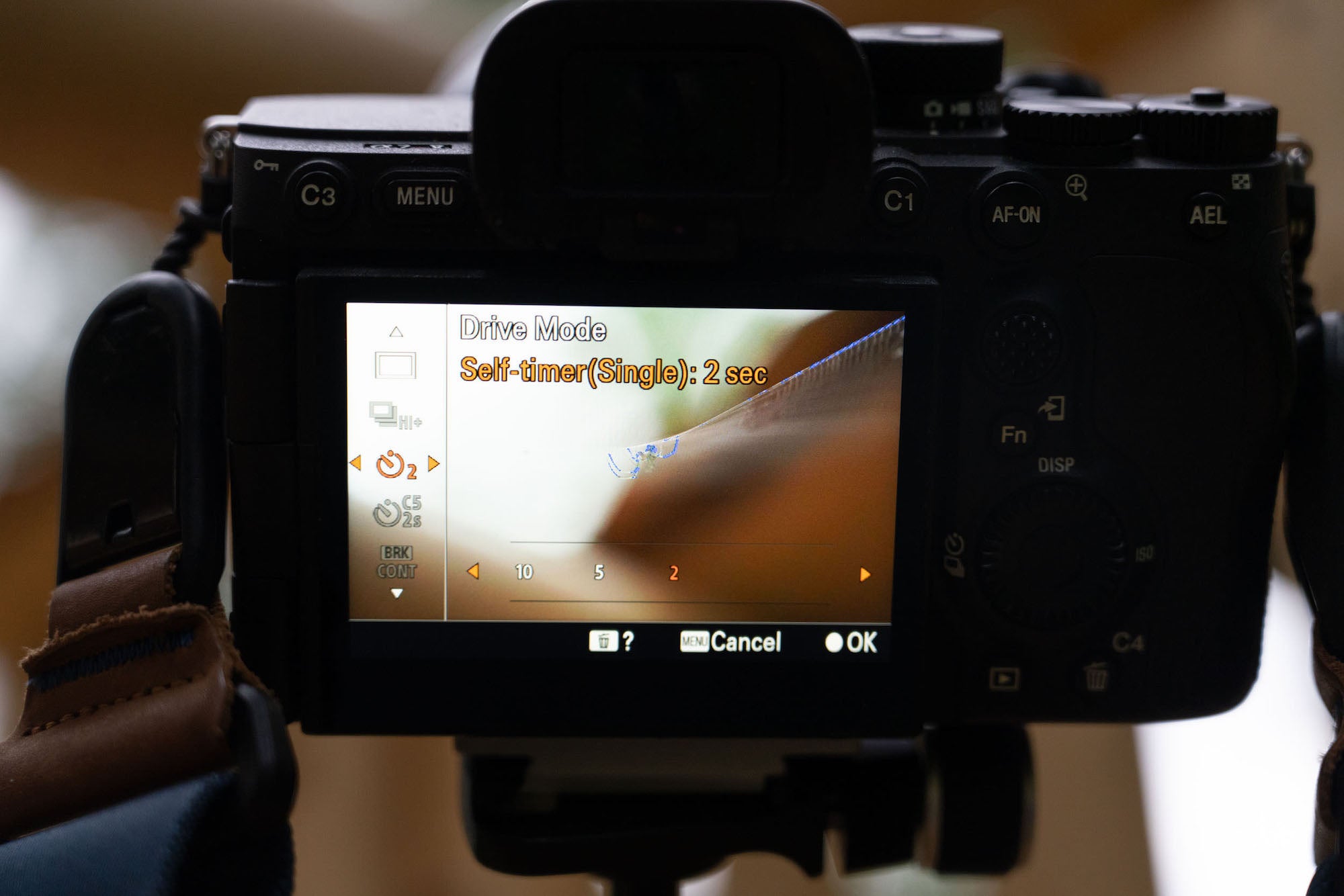
Next I set the two second timer so the camera can settle after I press the shutter:
Now that the Pixel Shift has been captured, I download to my computer and start up Sony’s Imaging Edge software. Imaging Edge is free to download and use, and is needed to process the Pixel Shift images.
Viewer is the tool you will need:
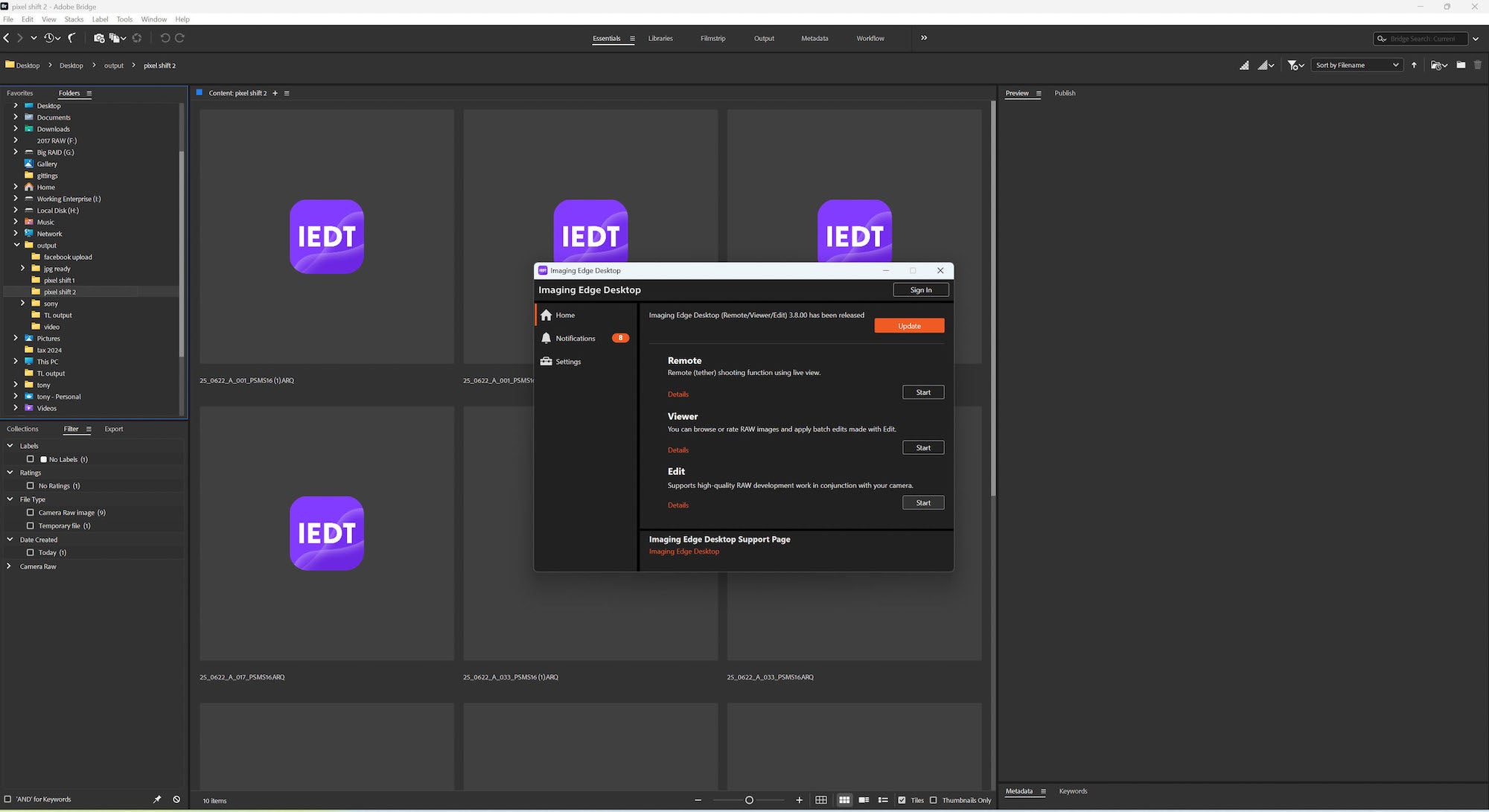
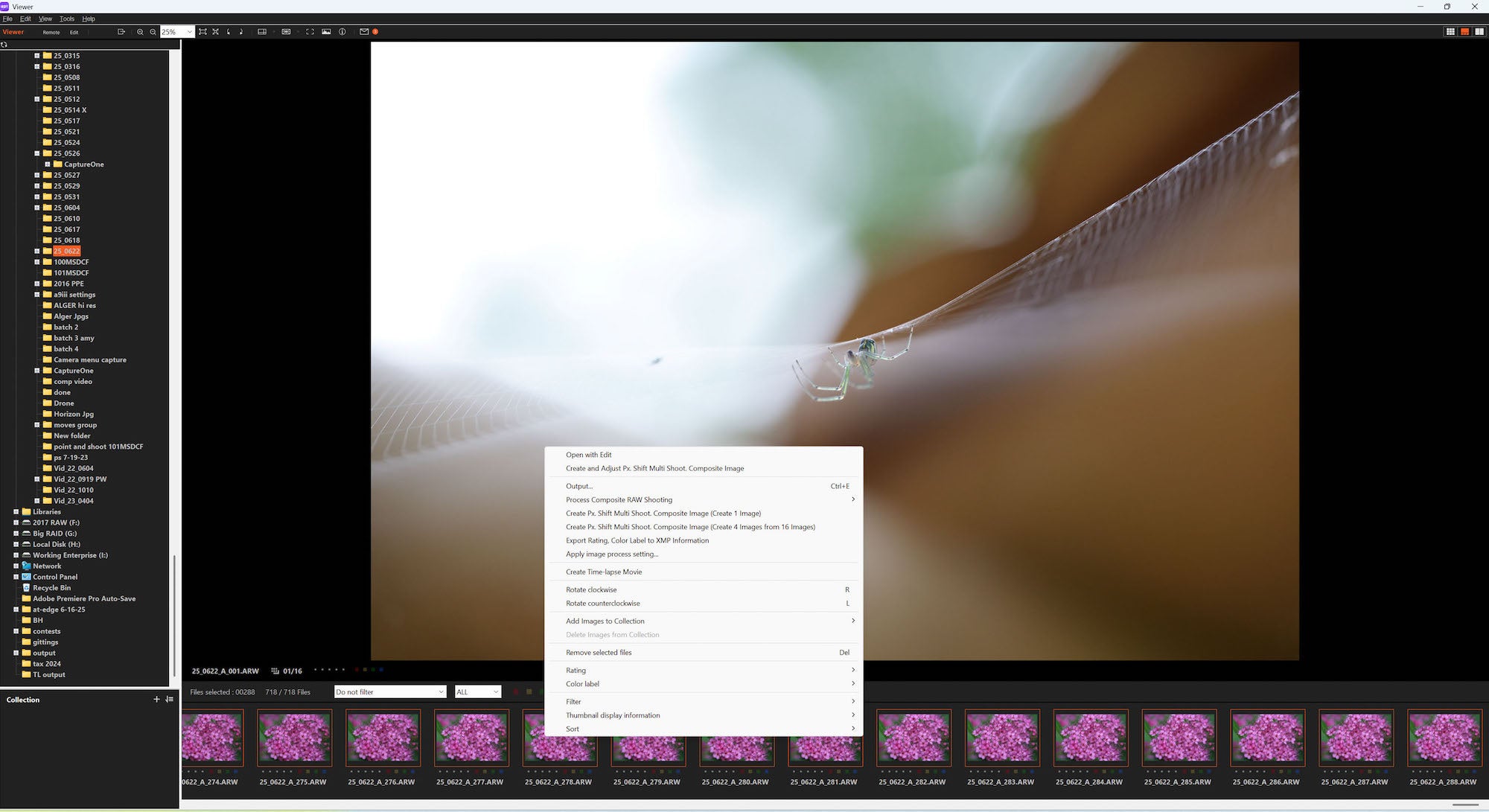
The simplest way to process is to select all the images. If you include images that aren’t Pixel Shift, the software will just skip them:
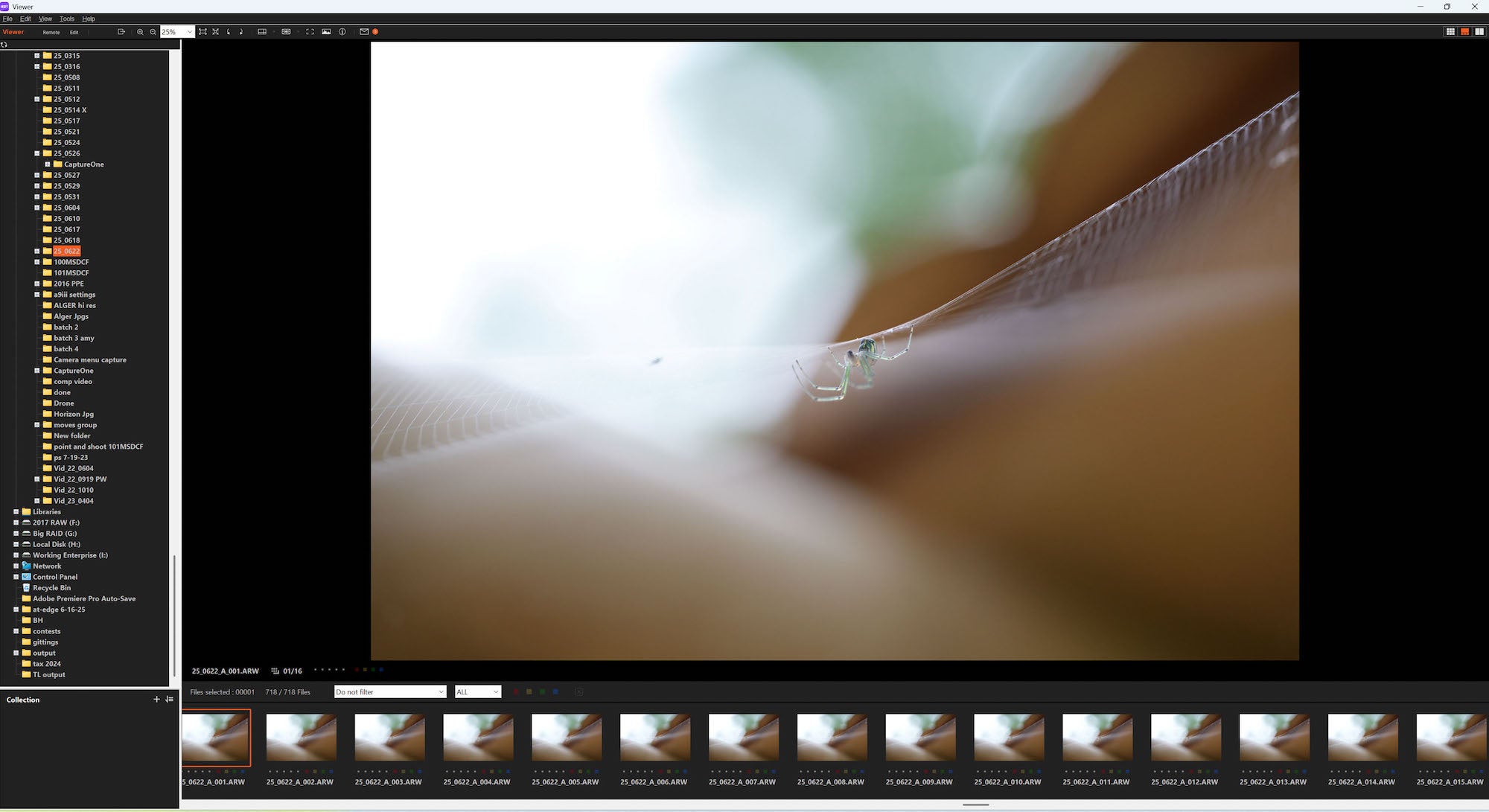
Then right-click, and I select “Create Px. Shift Multi Shoot, Composite Image (Create 1 Image):
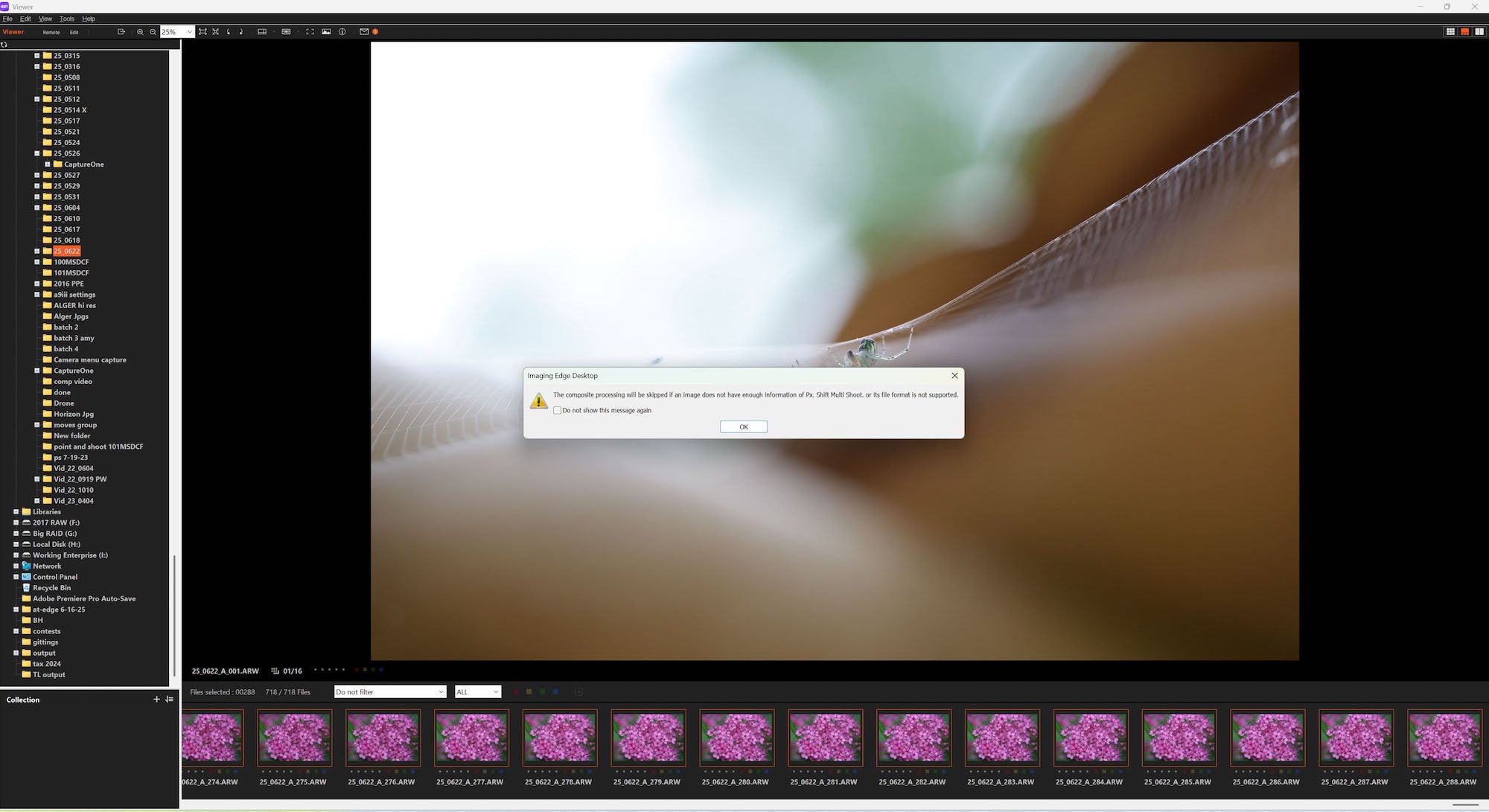
A notice will pop up, you can skip it in the future:
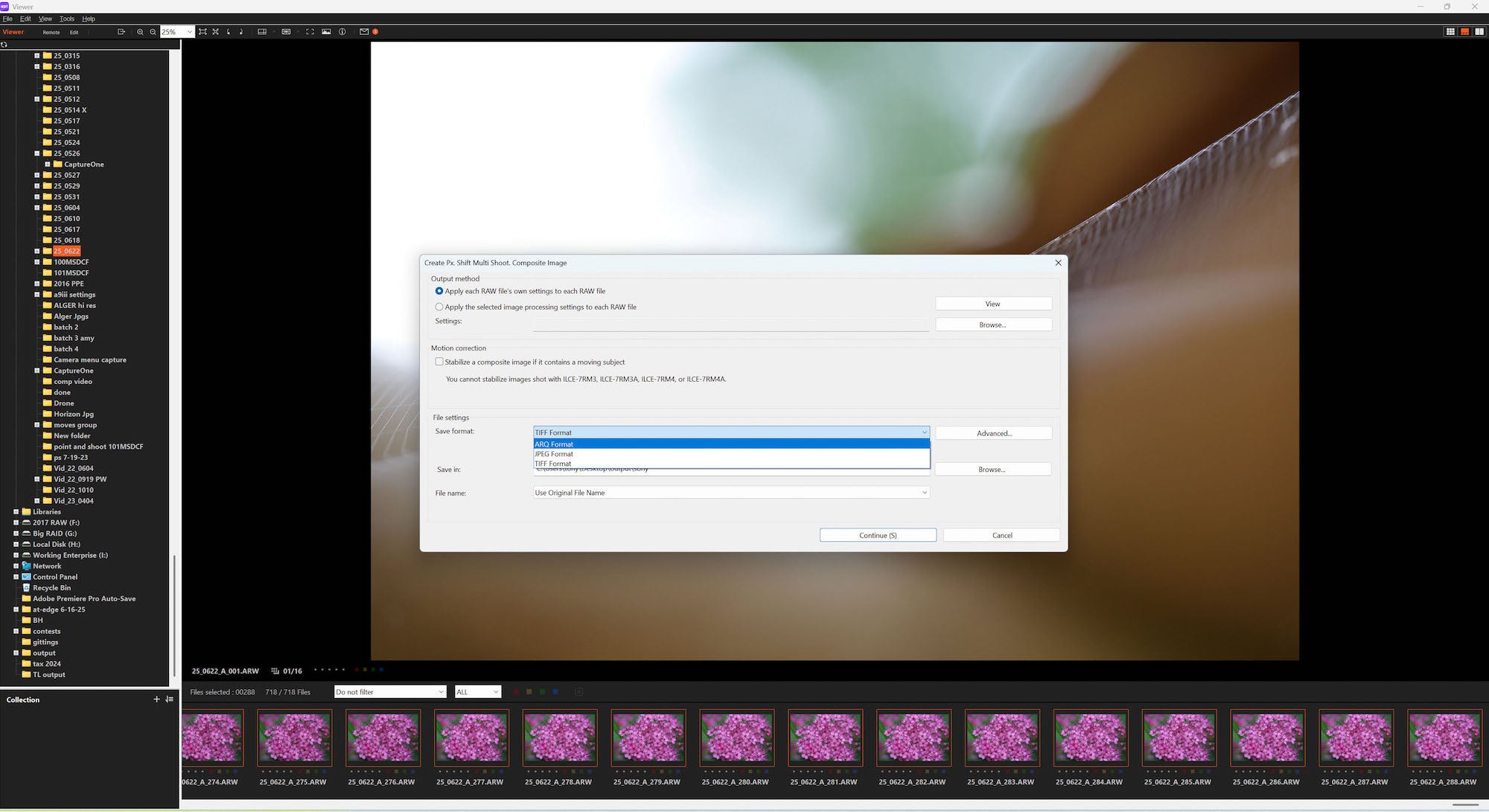
Decide what format you want to save them as. ARQ is the Sony RAW format for Pixel Shift images. ARQ files can be processed in Imaging Edge, Photoshop and Lightroom:
Decide where to save the files to:
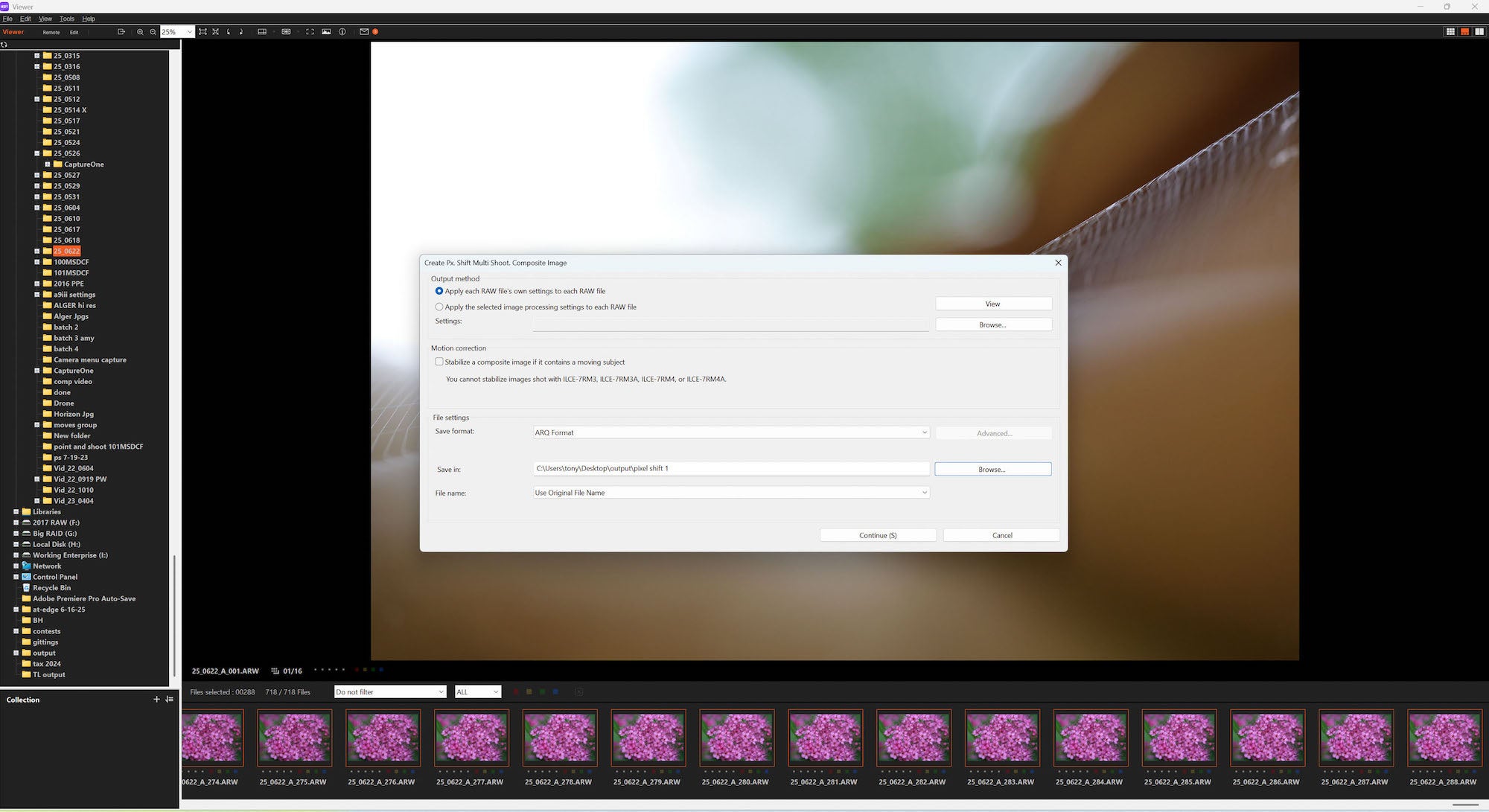
Decide if you want to stabilize any movement. This is available on the Alpha 7R V, Alpha 7CR, Alpha 1 and Alpha 1 II.
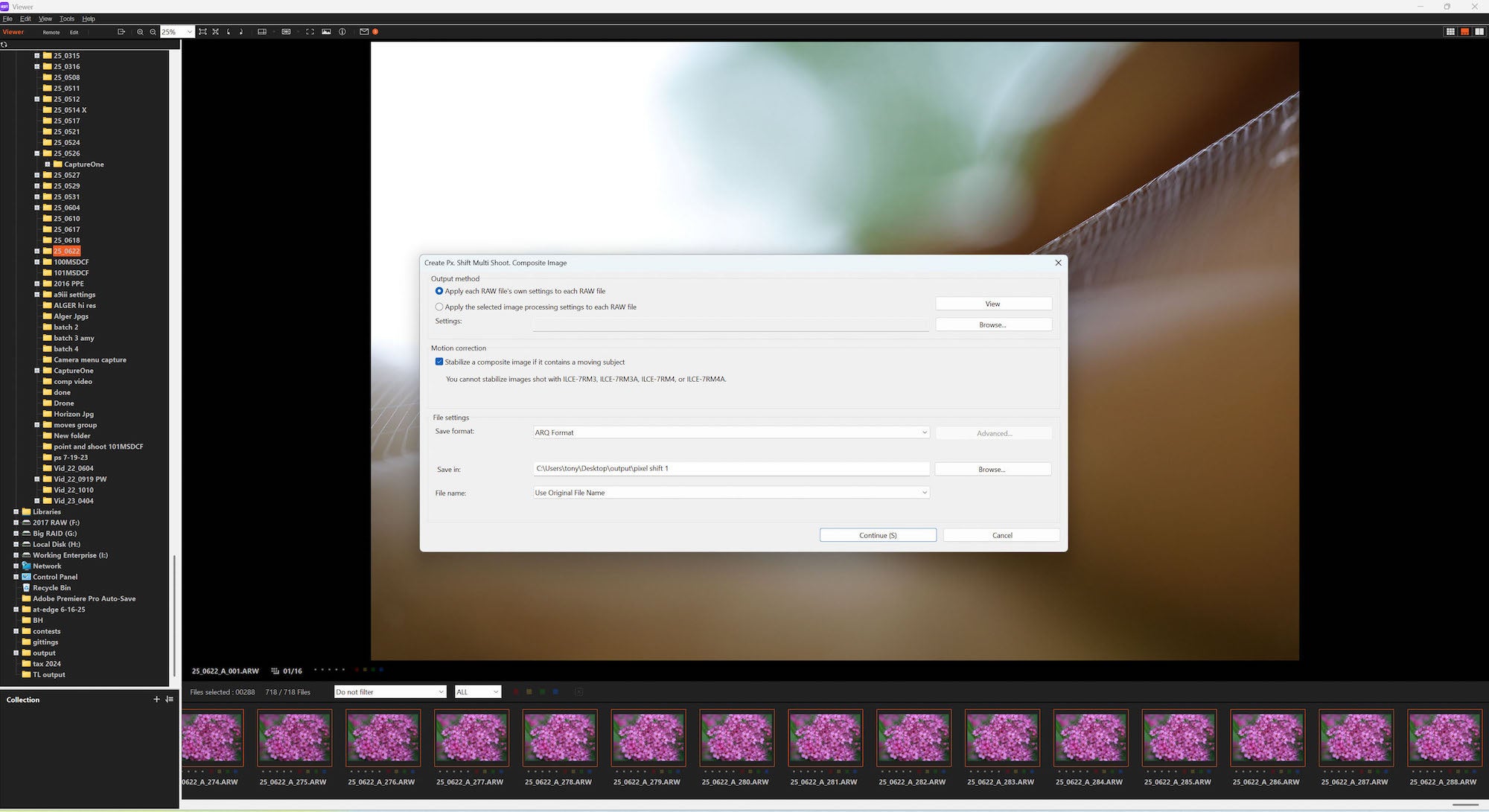
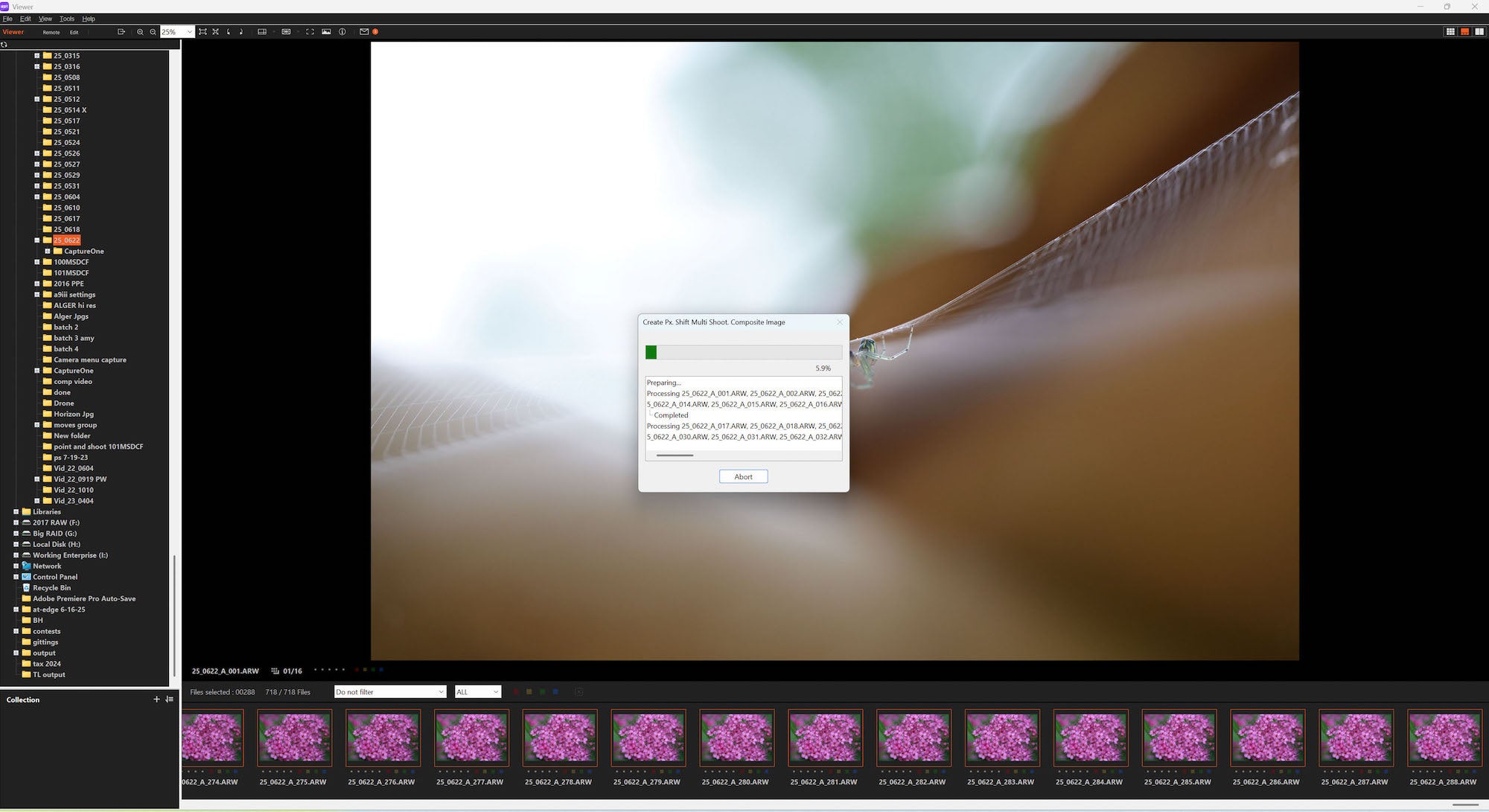
Then it starts processing.
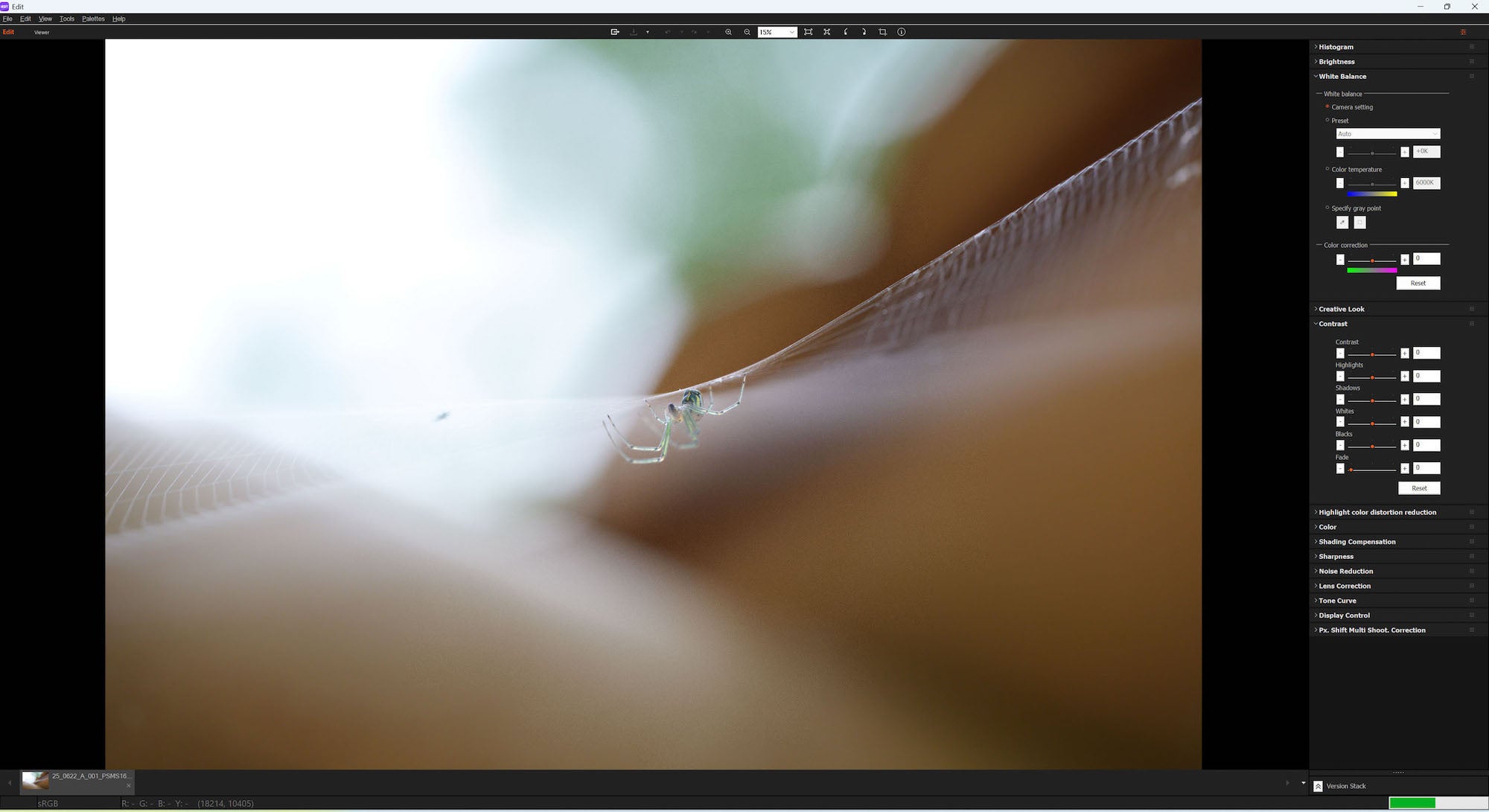
If you want to edit the file in Imaging Edge you can:
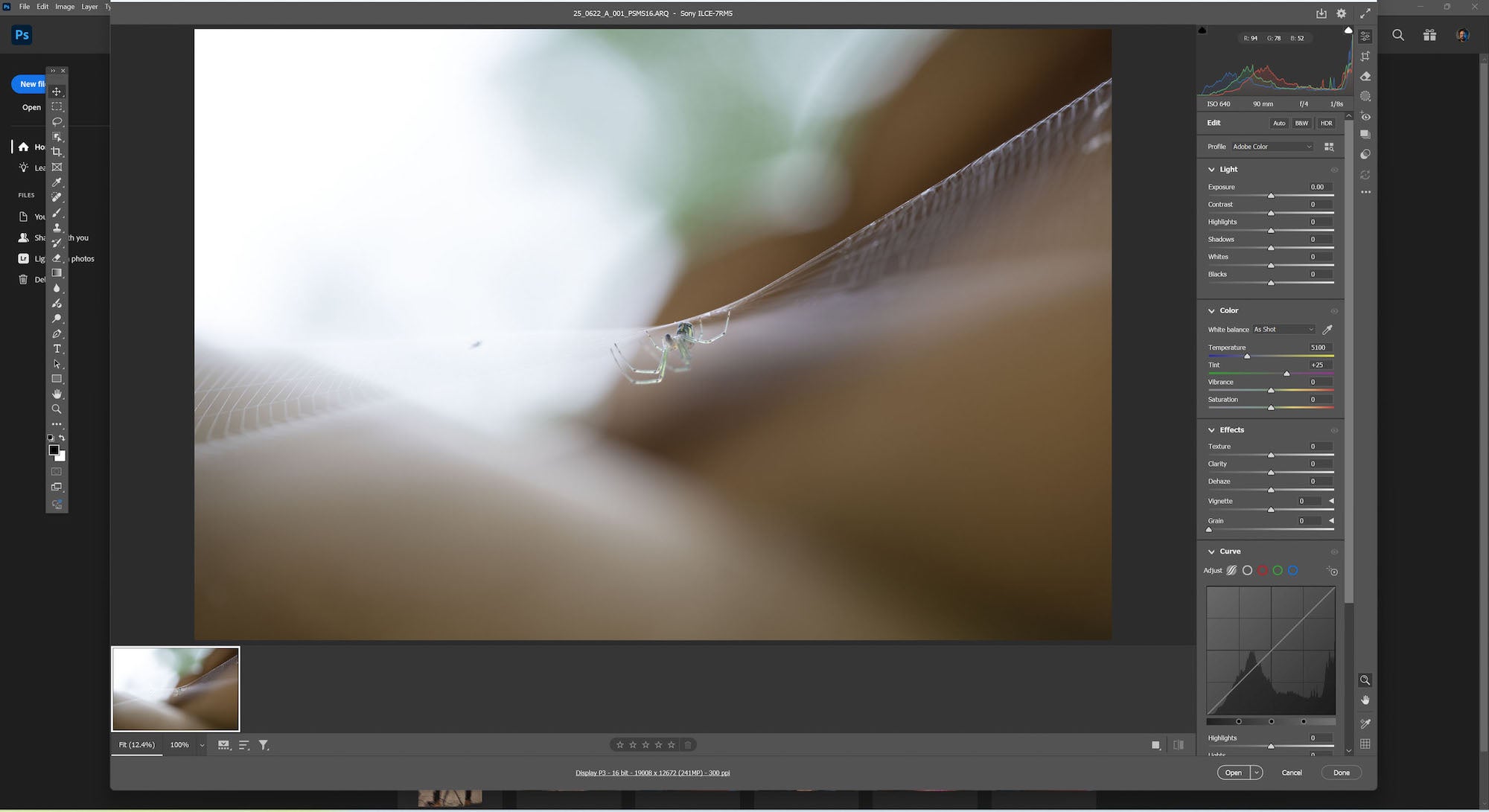
I typically edit using Adobe Camera Raw, or Lightroom:
Sample Imagery
Sixteen shot Pixel Shift with stabilization processed as ARQ then exported in Lightroom:
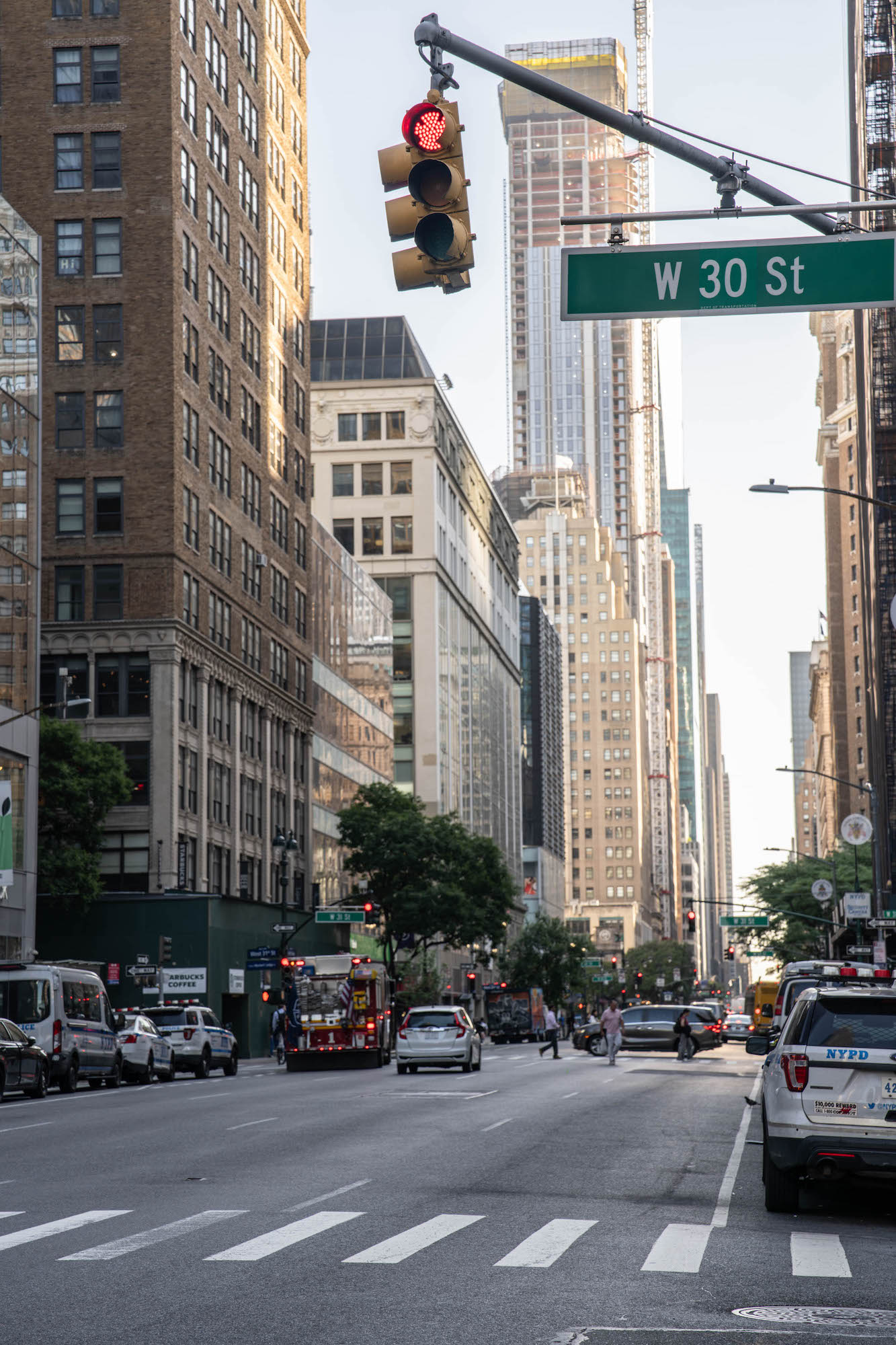
16 shot Pixel Shift processed as jpg:
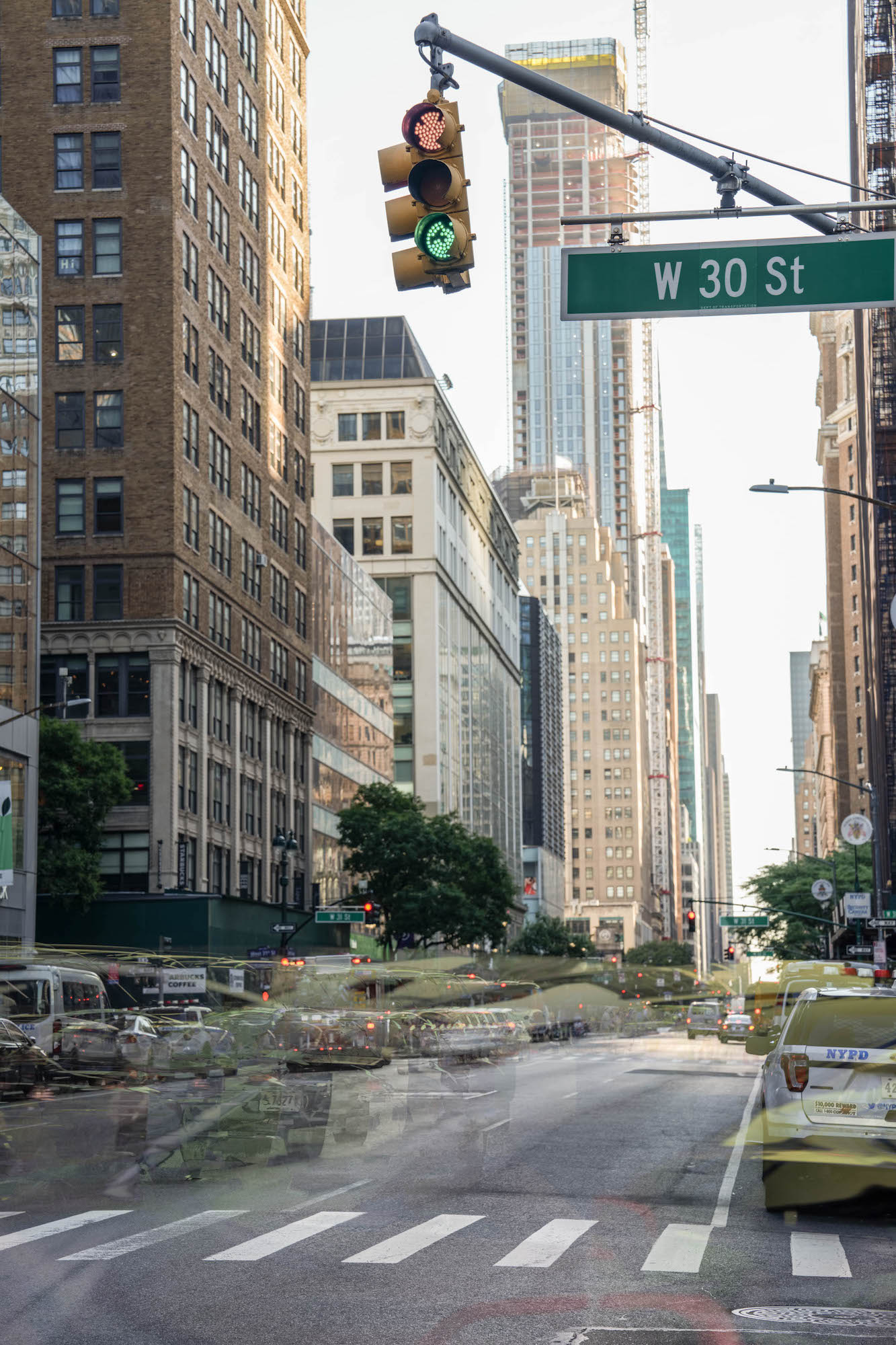
16 shot pixel-shift without stabilization, processed as ARQ and exported from Lightroom:
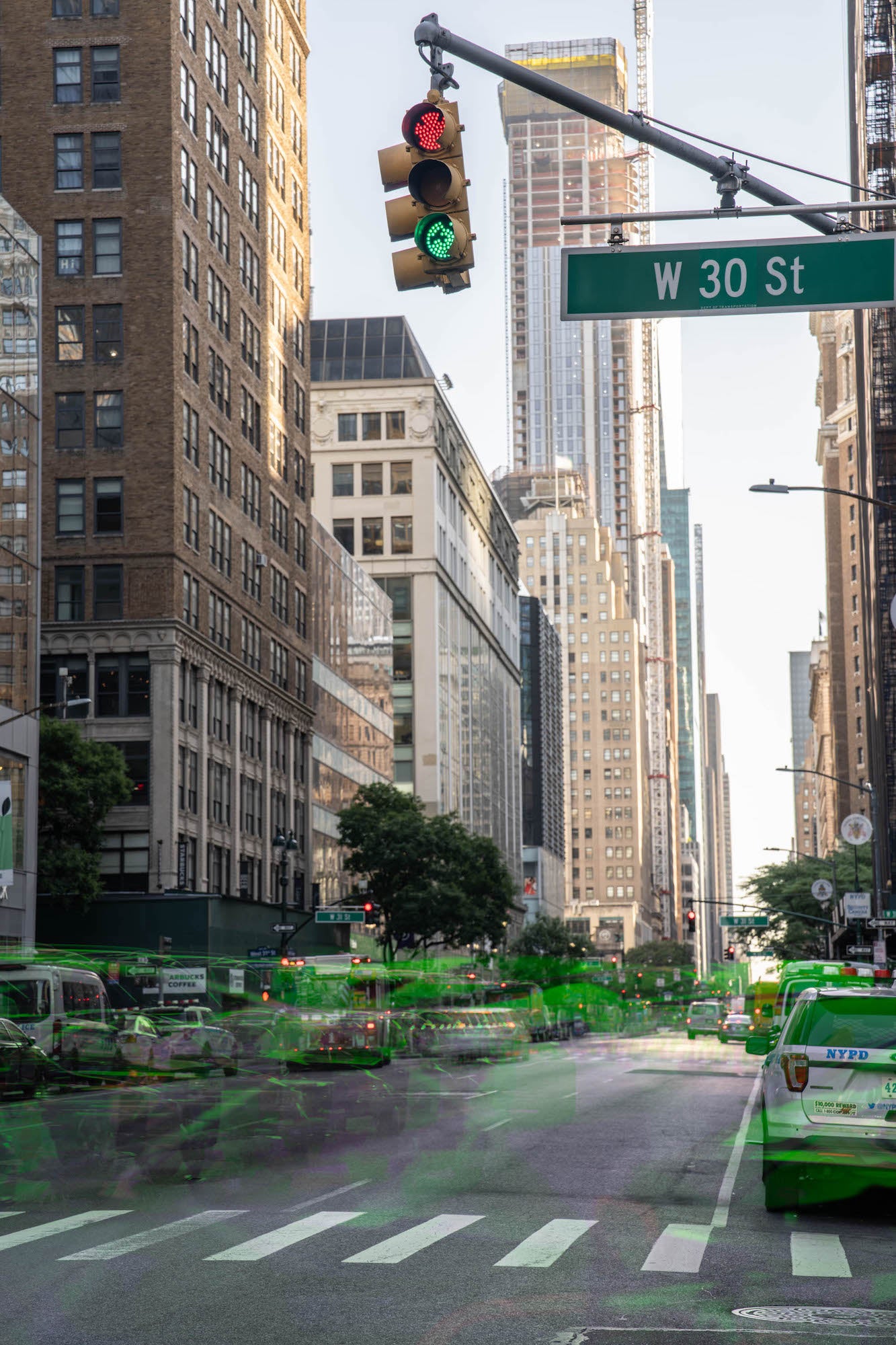
16 shot Pixel Shift with Alpha 7R V:

16 shot Pixel Shift with Alpha 7R V:
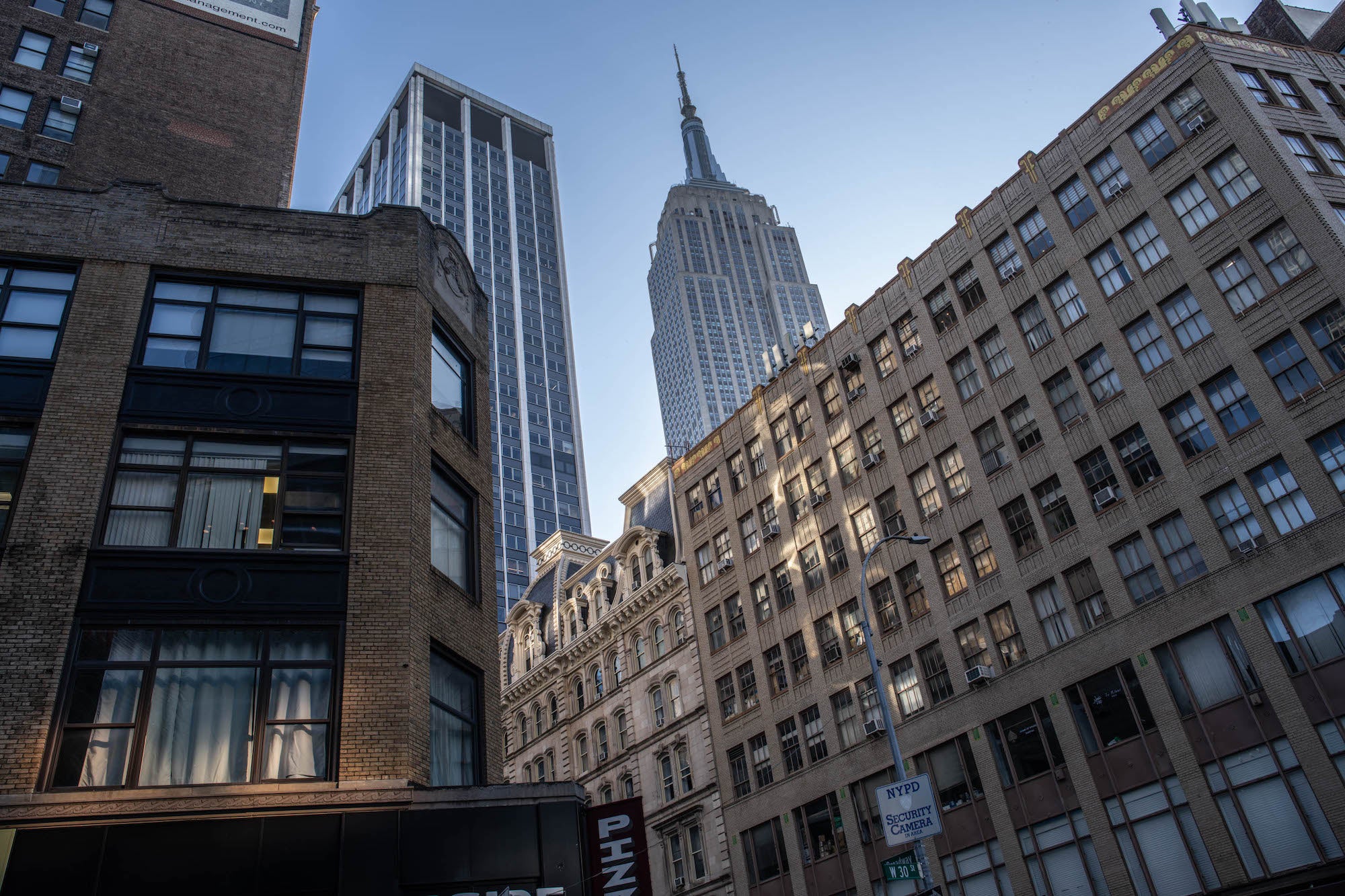
Cropped to show detail:
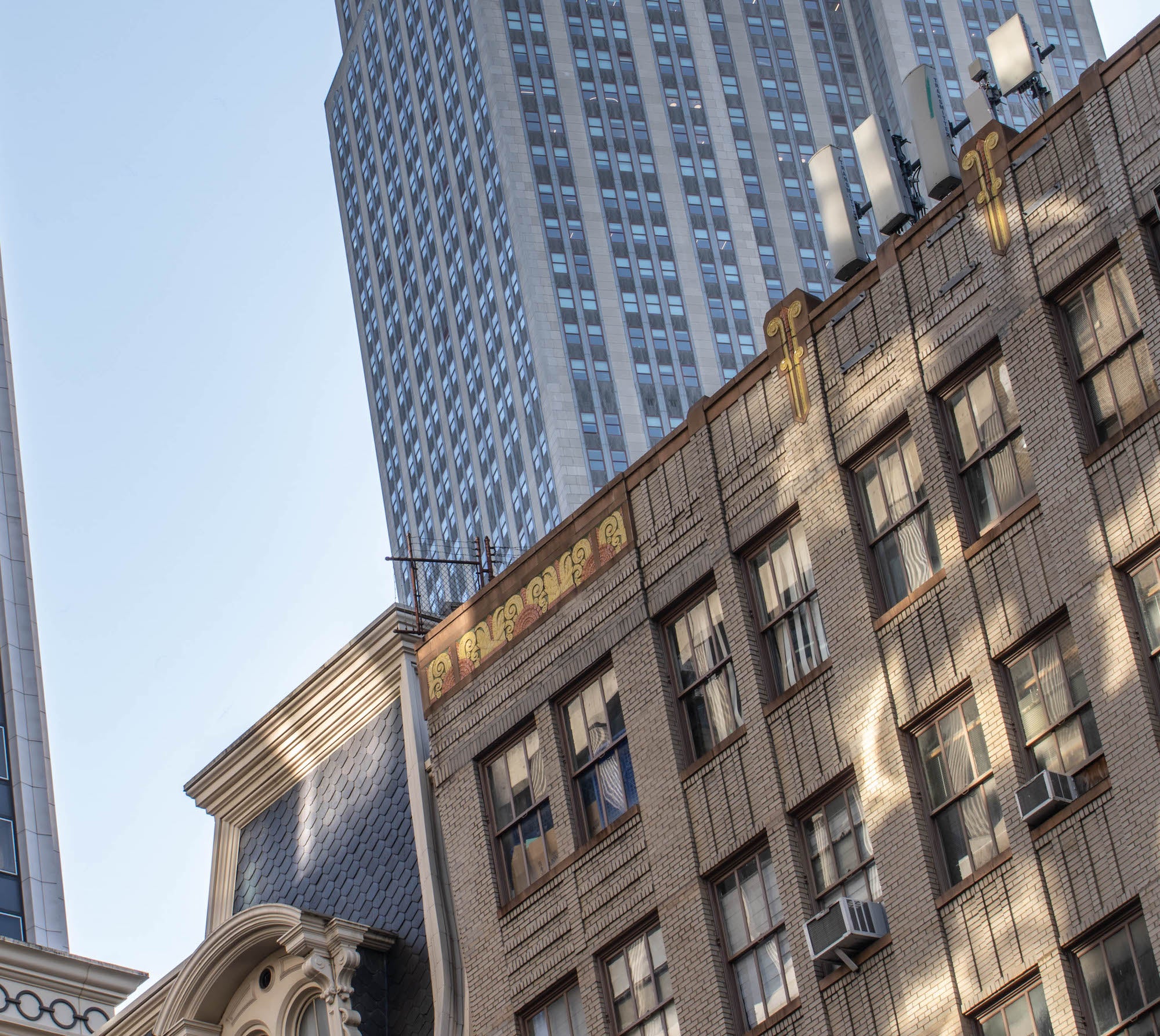
Stabilized 16 shot Pixel Shift with Alpha 7R V:

16 shot Pixel Shift panorama, stitched from several Pixel Shift images in Photoshop. Image is 52185px by 18056px image, or 173 inches x 60 inches at 300ppi:

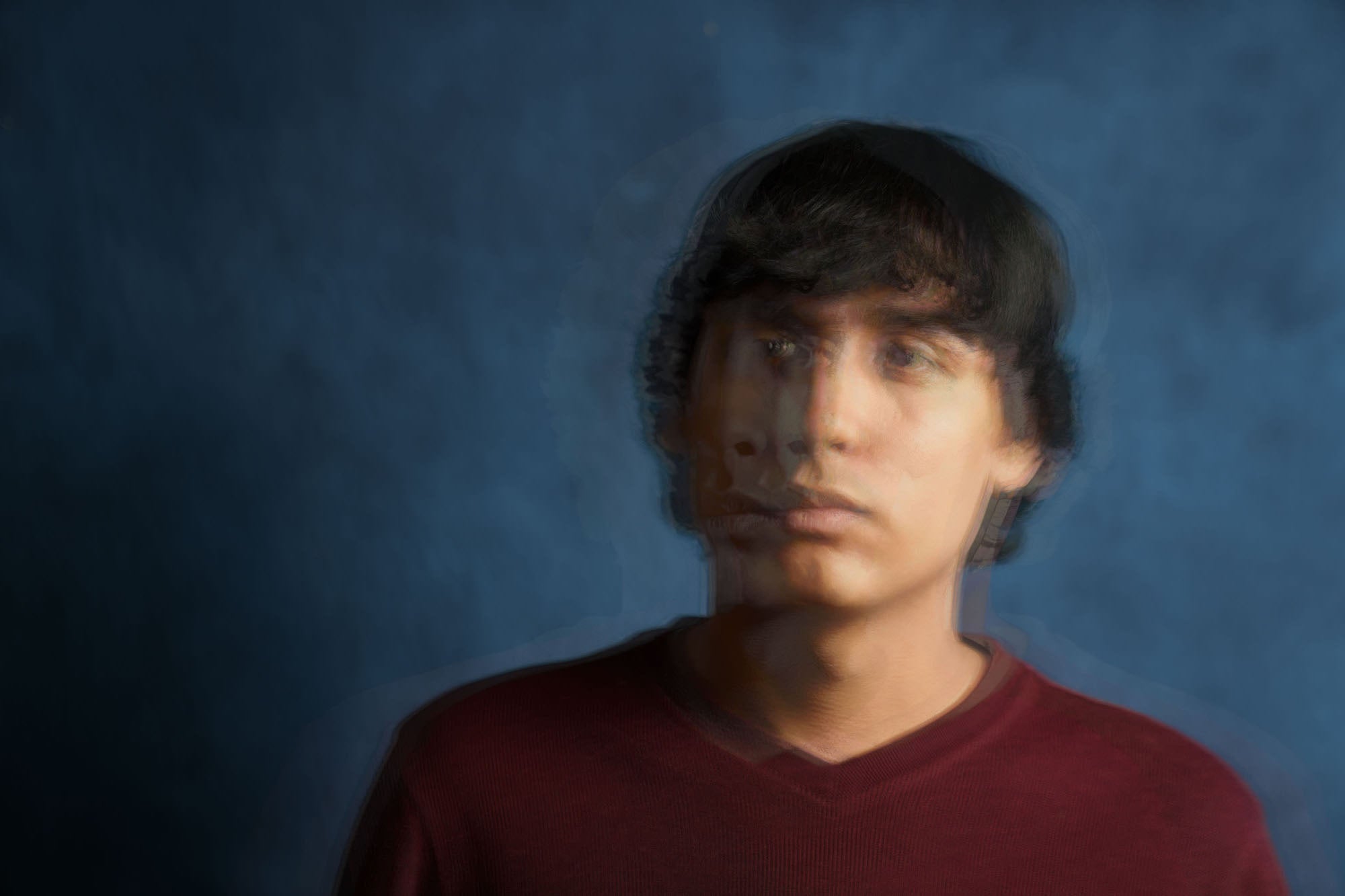
I also like to play around with intentional uncorrected movement. This is a 16 shot unstabilized Pixel Shift:
See more of Tony Gale’s work on his Alpha Universe Profile and on Instagram @tonygalephoto.
To learn more about the Sony Alpha 7R V, click here.